Using your Party Speaker
Let’s get started
Using your Party Speaker
23
section of these instructions, or online at www.bush-support.com If you still require further assistance, call one of our experts on 0345 600 3021.
Note: Some products will automatically search for a new device and so the ‘Add new
device’ option is not available.
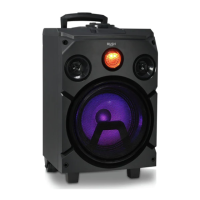
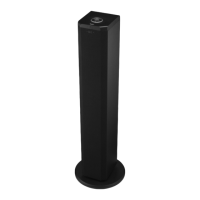
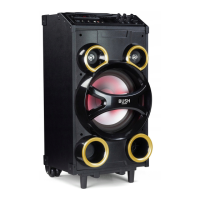
4. When found, your Party speaker will be displayed as ‘BUSH P-951’. Select the device
name to begin pairing.
5. When pairing is complete ‘Connected’ will be announced and the bluetooth icon will
stop flashing and will remain continuously on.
6. Now that you have paired your device with the Party speaker, it will connect to it when
it is within range, which is about 10 metres or less (33 feet or less), line of sight.
Your device will remain paired with the Party speaker unless you decide to disconnect or
‘unpair’ it.
Listening to Music/Audio using Bluetooth
In Bluetooth mode:
1. Select and start the music or audio that you wish to listen to on your paired Bluetooth
device, it will now be heard through the Party Speaker. Adjust the volume on the
connected device and/or your Party Speaker.
2. You can use the controls on your paired Bluetooth device as well as the volume
control on your Party Speaker.
Controls available on your Party speaker and Remote control:
Short press to Play/Pause
Short press to skip forward
Short press to skip back


 To Next Page