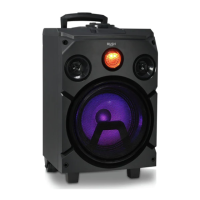
Getting to know your Party Speaker
You’ll be up and running in no time
Getting to know your Party Speaker
18
If you require any technical guidance or find that your product is not operating as intended, a simple solution can often be found in the
Troubleshooting
3. Short press the TONE button again to switch between the Bass (b), Treble (t) and
Volume settings.
Mute
1. Short press the MUTE button on the Party speaker or on the Remote control to turn
the volume off.. U-00 will be displayed and then the product will revert to the current
Mode display, e.g. -bt-.
2. Short press the MUTE button to turn the volume on again.
Front face lights
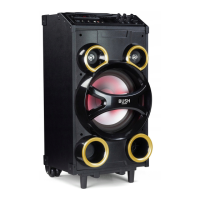
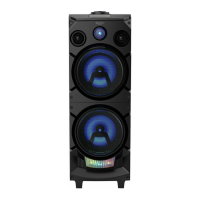
Your Party speaker has 8 different light settings for the two front facing light panels. .
Repeatedly short press the FACE button on the Party speaker or the FACE LIGHT
button on the remote control to cycle through the light options available. Stop when you
can see your preferred light effect.
Press and hold the FACE button on the Party speaker or the FACE LIGHT button on the
remote control to turn the front face lights OFF.
Main speaker lights
Your Party speaker has 9 different light settings for the two speakers.
Repeatedly short press the SPEAKER button on the Party speaker or the SPK LIGHT
button on the remote control to cycle through the light options available. Stop when you
can see your preferred light effect.
Press and hold the SPEAKER button on the Party speaker or the SPK LIGHT button on
the remote control to turn the front face lights OFF.


 To Next Page