30
If you require any technical guidance or find that your product is not operating as intended, a simple solution can often be found in the Troubleshooting section of these instructions,
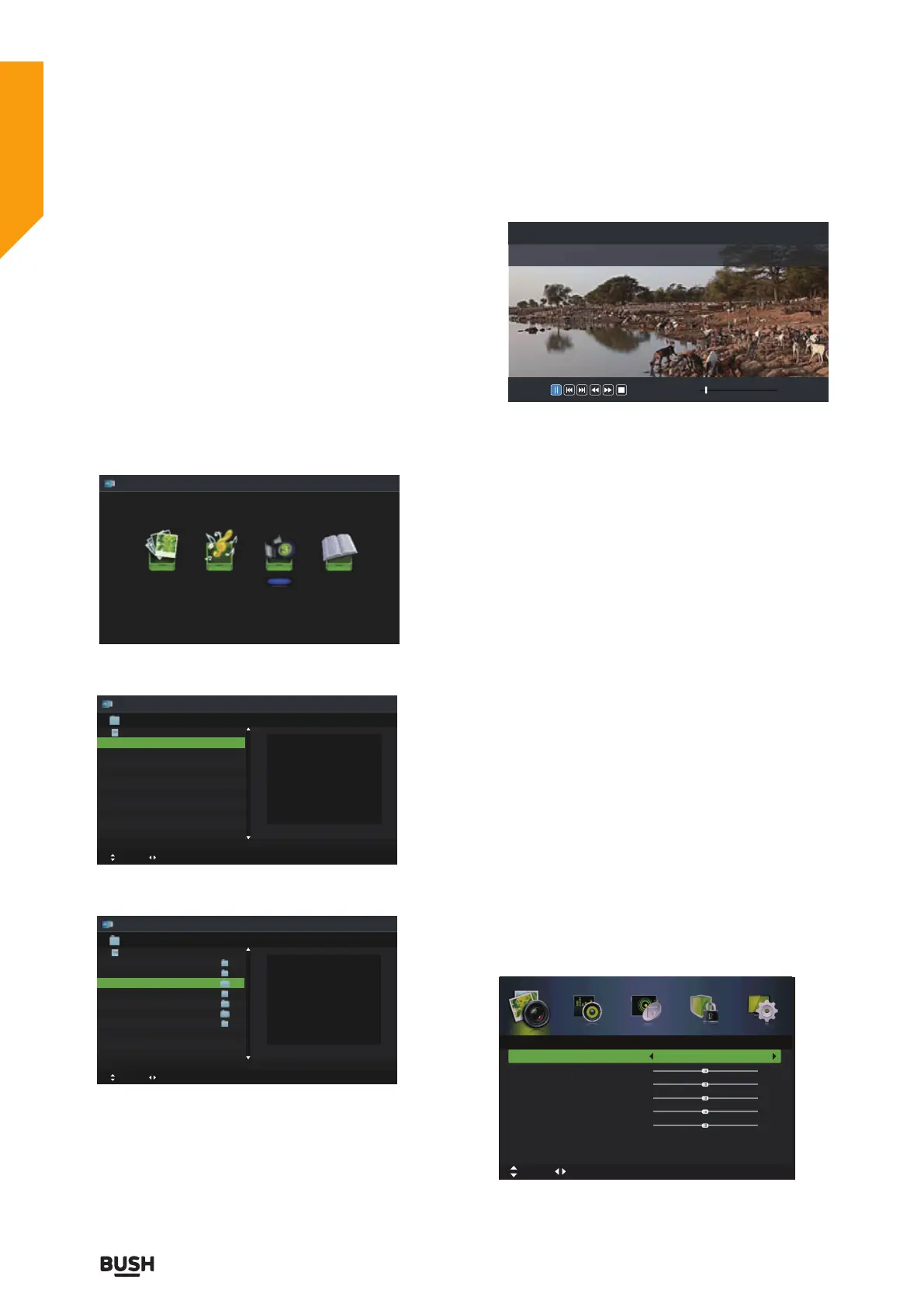
Play Recorded Programme
You can play a recorded programme from the recorded
programme list or from a USB Storage Device.
1. Press the INPUT button on the top of the TV or the
INPUT button on the remote control then press the
buttons to select the Media mode and then press
the OK button.
2. Press the
buttons to select MOVIE and then press
the OK button.
3. Press the
buttons to select your storage device
and then press the OK button.
4. Press the
buttons to select the “ usbrecord ”
folder and then press the OK button.
5. Press the
buttons to select your recorded
programme and then press the
II button to view.
6. Press the OK button or the INFO button to display the
function bar. Press the
buttons and then press the
OK button to select the function: Pause / Prev. / Next /
FB / FF / Stop / Quick Menu (Repeat / Encode Type).
7. Press the EXIT button to return to the previous menu.
Picture management (ATV / DTV
Mode)
1. Press the MENU button to display the main menu.
Press the
buttons to select Picture in the main menu,
then press the
or OK button, it will highlight the first
option.
2. Press the
buttons to select the option you want
to adjust in Picture menu.
3. Press the
buttons to change the following
settings.
TIPS:
• You can change the value of brightness, contrast,
sharpness and saturation when the picture is in Personal
mode.
• You can press P.MODE button on the remote control
to change the Picture Mode directly.
Photo Music Movie Text
Movie
Move
Change Page OK Selete EPG Quick Menu EXIT Return
USB1
USB1
Movie
Move
Change Page OK Selete EPG Quick Menu EXIT Return
USB1/Movie
AITEMP
Movie
MY PVR
Photo
Text
Music
LE32G
1/1
00 : 05 : 1300 : 00 : 22
FileName
VideoCodec :
Resolution
Bitrate :
Animals.AVI
MPEG4
640 x 480
4158120 bps
AudioCodec :
SampleRate :
Channel :
MP3
44100 Hz
2
Picture
Picture Mode
Brightness
Contrast
Sharpness
Saturation
Hue
Colour Temp
Aspect Ratio
Standard
Standard
Full
50
50
50
50
0
Move tixE :TIXE nruteR :UNEMtsujdA
Standard features
Simple everyday use
Standard features



 To Next Page