32
If you require any technical guidance or find that your product is not operating as intended, a simple solution can often be found in the Troubleshooting section of these instructions,
AVL
Selects to turn On/Off Audio Volume Leveler.
SRS Setting
Selects to turn On/Off SRS default setting.
SPDIF
Select the digital audio output mode: Auto / Off / PCM.
Audio Description
Selects to turn On/Off Audio Description
.
Sound Type
When a programme is selected, press the MTS button to
select Stereo,Dual I, Dual II and Mixed.
Language selection for dual language broadcast
If a programme can be received in two languages (dual
language), you can swith to DUAL I, DUAL II or Mixed by
pressing the MTS button repeatedly.
DAUL I
Sends the primary broadcast language to
the loudspeaker s
DAUL II
Sends the secondary broadcast language
to the loudspeakers
Mixed
Sends the primary and secondary
broadcast languages to the loudspeakers
PLEASE NOTE
Sound Mode and EQ settings.
Adjusting any picture or sound settings will
automatically change the mode to Personal.
If you wish to reset all picture and sound
adjustments:MENU>Setup>Reset
Channel management (ATV / DTV
Mode)
Tuner Type
1. Press the MENU button to display the main menu.
Press the
buttons to select Setup in the main menu,
then press the
or the OK button, it will highlight the first
option.
2. Press the
buttons to select Tuner Type and then
press the
buttons to select Cable or Antenna.
3. Press the EXIT button to exit the menu.
Auto Scan
Use this to automatically find and store all available
channels. This is normally recommended if some
channels have been added or removed by the
broadcaster or you have moved house.
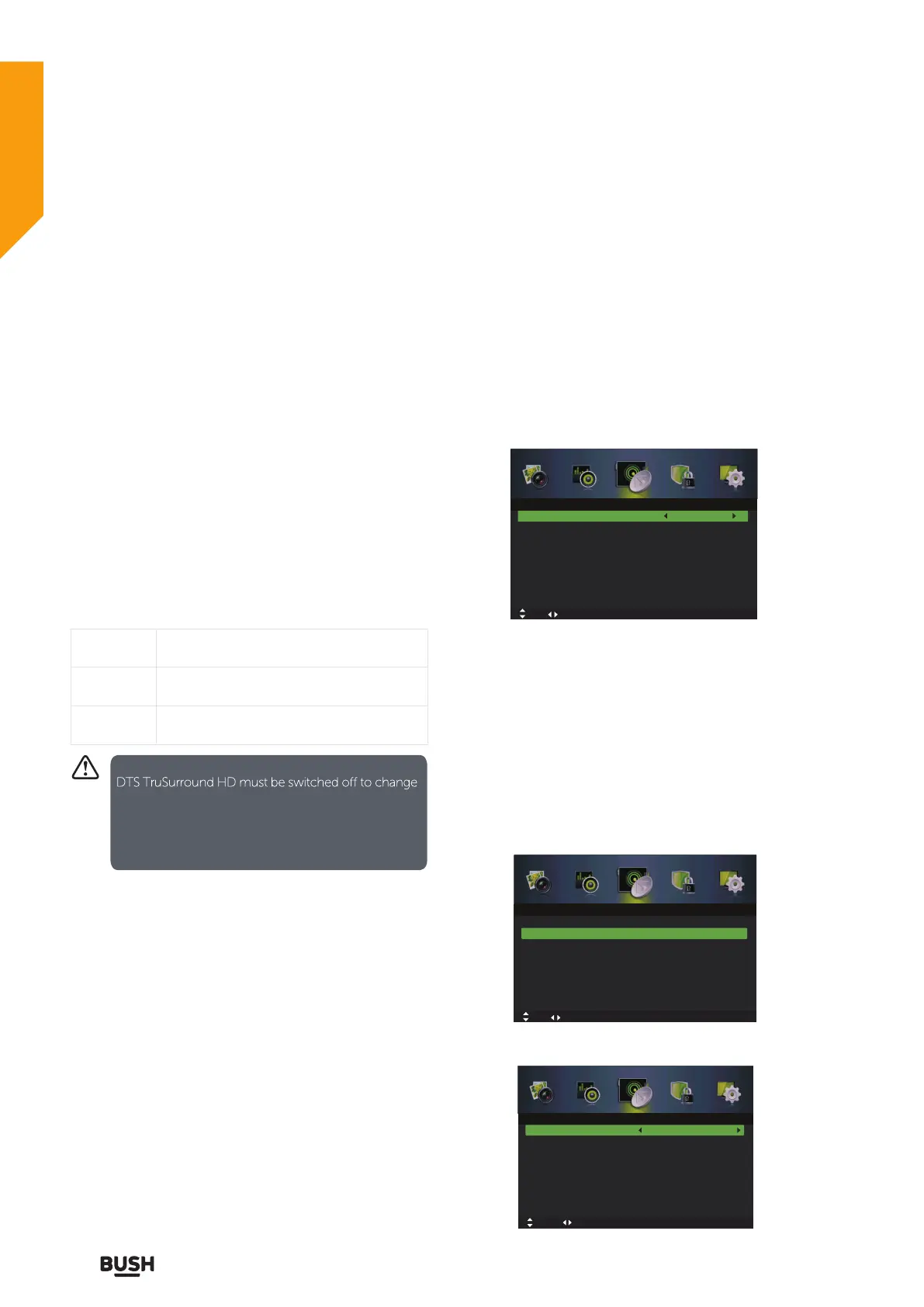
1. Press the MENU button to display the main menu.
Press the
buttons to select Channel in the main
menu, then press the
or OK button, it will highlight the
first option.
2. Press the
buttons to select Auto Scan and then
press the OK button to enter submenu.
Auto Scan
Tuner Type Cable
Off
Manual Scan
Channel Edit
Auto Channel Update
Common Interface
Favorite Manager
Signal Information
Move Adjust
MENU: Return EXIT: Exit
Channel
Country
Mode
Start
UK
DTV+ATV
Move tixE :TIXE nruteR :UNEMtsujdA
Auto Scan
Auto Scan
Tuner Type Cable
Off
Manual Scan
Channel Edit
Auto Channel Update
Common Interface
Favorite Manager
Signal Information
Channel
OK: Select MENU: Return EXIT: Exit
Standard features
Simple everyday use
Standard features



 To Next Page