18
Settings
Settings
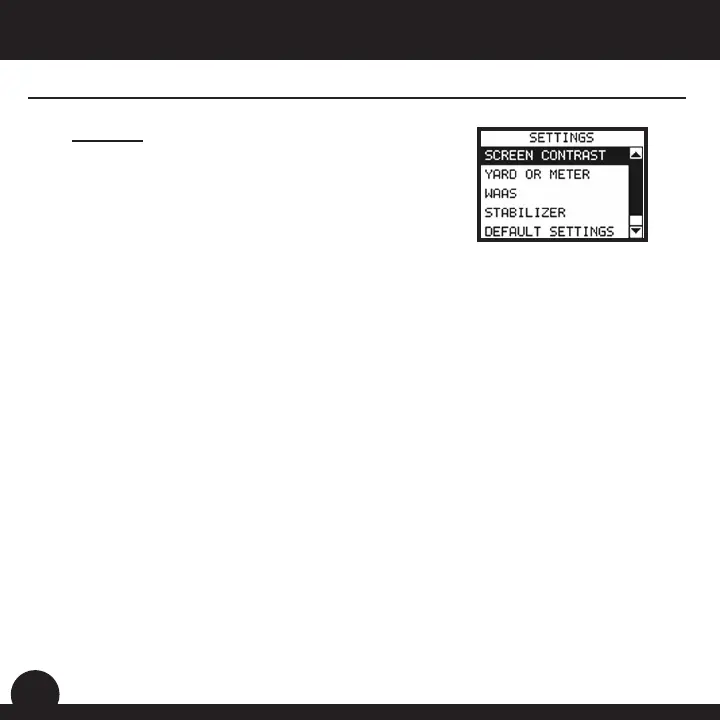
to personalize the device, such as screen contrast,
distance measurement and GPS performance.
Highlight “Settings” on the Main Menu and press OK.
2. Yard or Meter
Allows the user to select yards or meters as the measure of distance.
3. WAAS
Allows the user to select if location correction is used to improve GPS
accuracy within the United States. Commonly known as WAAS, this system of
satellites and ground stations provides GPS signal corrections for much of the
location. The default setting on the device is “On”.
1. Screen Contrast
light conditions.
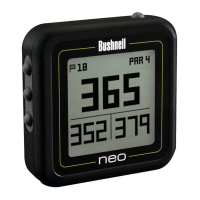
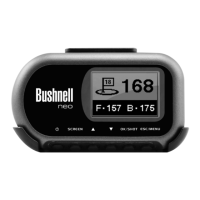
Bushnell Neo User Manual




 To Next Page