tech-support@ibuture.com
EN
9.
5.2 Operating
•
Start To Work
•
The battery is fully charged, and fixed in place.
•
The dust cup and filters are cleaned, and fixed in place.
Before each use, make sure that
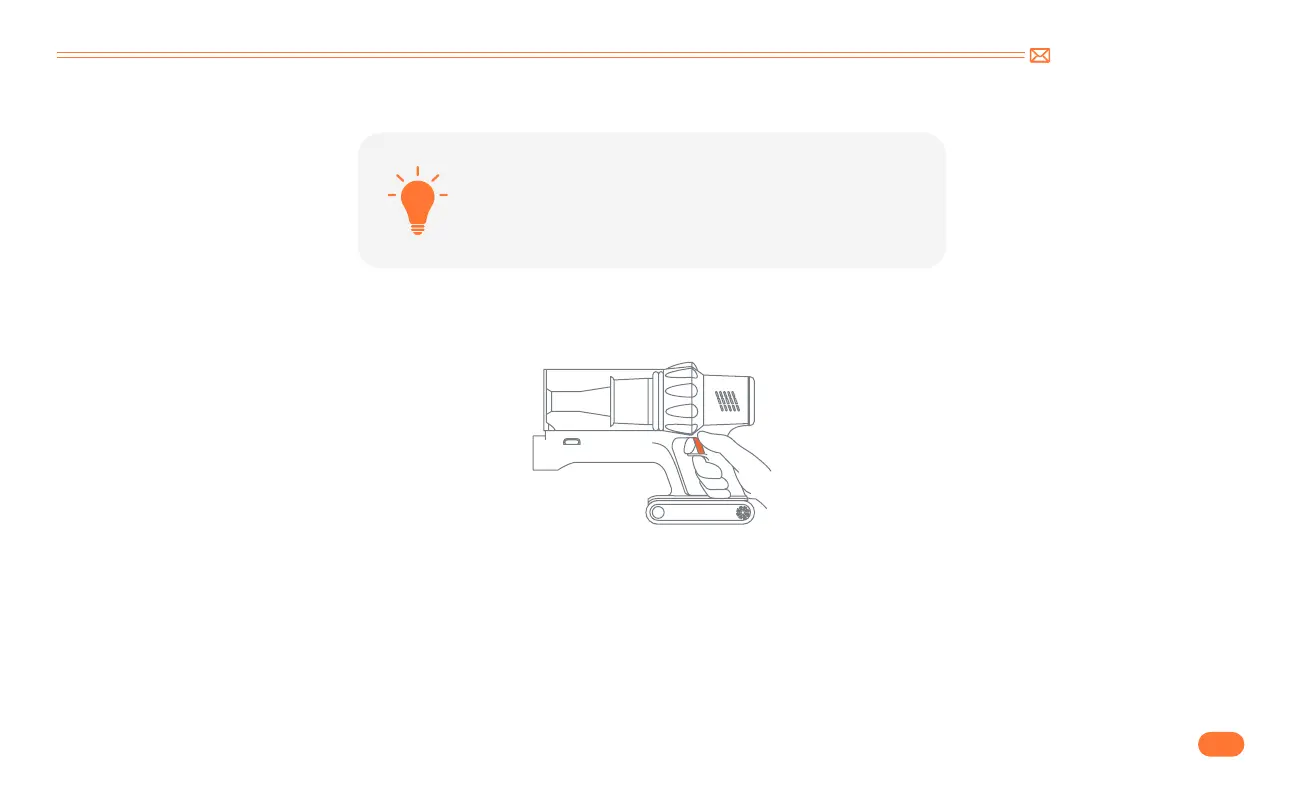
Press the switch button to turn it on, and it will start MANUAL mode.



 To Next Page