EasyManua.ls Logo

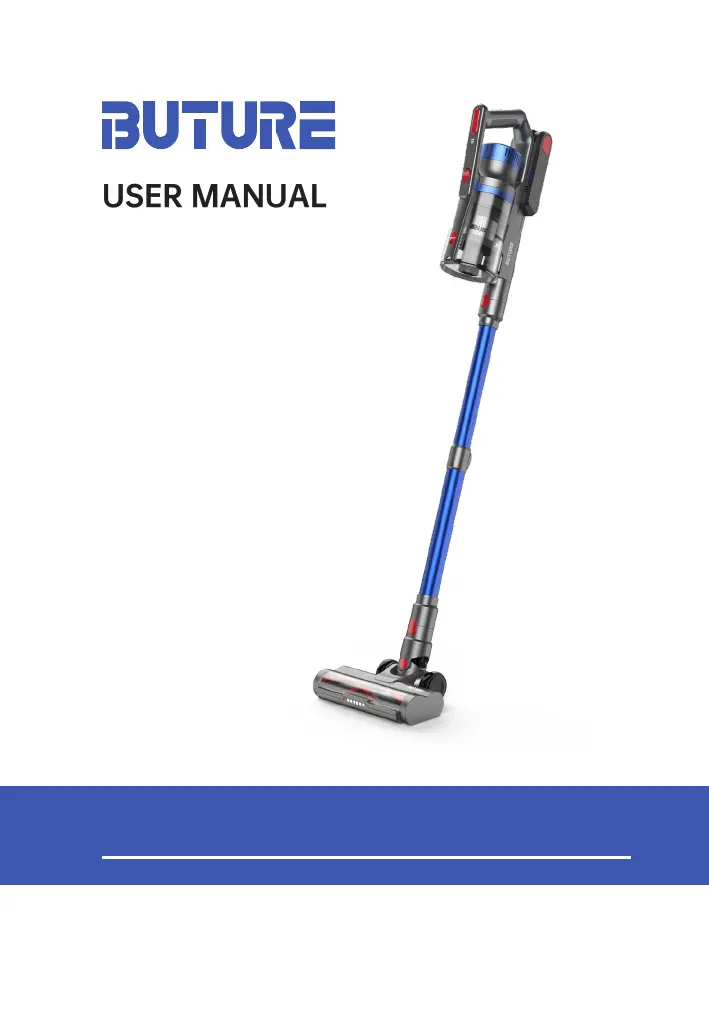
BUTURE JR500 - User Manual

BUTURE JR500
121 pages
Print Icon
To Next Page IconTo Next Page
Loading...
USER MANUAL
sales@ibuture.com
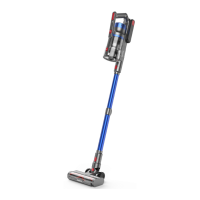
BUTURE JR500 Stick Vacuum Cleaner
[Read this user manual carefully before rst use. Keep this manual for
further guidance in case]

Questions and Answers

  • A
    Abigail BrownJul 29, 2025
    Why is the running time insufficient after charging my BUTURE Vacuum Cleaner?
    • D
      Dawn HernandezJul 29, 2025
      Insufficient running time after charging your BUTURE Vacuum Cleaner can be caused by: * Insufficient charging time. Recharge the battery. * Battery aging. Replace the battery. * A full dust cup. Empty the dust cup. * Filters full of dust. Clean or change the HEPA filter. * A blocked telescopic tube or brush inlet. Remove any blockage in the tube and brush inlet. * Using the highest speed for general cleaning. For simple cleaning, use the lowest or medium speed to prolong battery life. If the house is larger, contact customer service for additional spare batteries.
  • B
    bonillakatherineAug 8, 2025
    Why is the suction power of my BUTURE Vacuum Cleaner weak?
    • P
      Patrick BrownAug 8, 2025
      The suction power of your BUTURE Vacuum Cleaner might be weak due to several reasons: * The dust cup may be full, so you should clean it. * The metal filter might be blocked by dust, requiring cleaning. * The HEPA filter could be blocked; try cleaning or replacing it. Replacement HEPA filters can be purchased by contacting after-sales support. * The battery may be low, so charge it. * Attachments may not be correctly installed; reinstall them according to the instructions. * Air outlets or inlets may be blocked; clean the floor brush and extension tube.
  • T
    Thomas RodriguezAug 18, 2025
    What to do if my BUTURE Vacuum Cleaner can not work?
    • P
      Paul JonesAug 18, 2025
      If your BUTURE Vacuum Cleaner isn't working, consider these possible causes and solutions: * The battery power may be low. Charge it before use. * The floor brush, telescopic tube, dust cup, or filter might be blocked. Clean any blockages in the brush suction inlet, extension tube, dust cup, HEPA filter, and metal filter. * You might not be using the original charger. Ensure you are charging with the original charger. * The battery may not be installed correctly. Make sure the battery is properly in place. * The battery might be damaged. Contact after-sales support at sales@ibuture.com.

Summary

WARNING

Personal Safety

Safety precautions for children, users with reduced abilities, and general environmental awareness.

Battery Safety

Precautions for handling, charging, and disposing of Li-ion batteries to prevent explosions or leaks.

Electrical Safety

Guidelines for safe use of chargers, cords, and preventing electrical hazards during operation.

CHARGING

ASSEMBLING

USING

CLEANEING

Clean HEPA and Metal Filters

Maintain HEPA and metal filters by cleaning them regularly to ensure consistent suction and prevent motor damage.

Clean Electric Brush Head

Remove and clean the roller brush from the electric brush head to eliminate tangled threads, hair, and debris.

MAINTENANCE

TROUBLESHOOTING

Blockage Protection

Understand the automatic stop feature and the steps required to clear blockages for continued operation.

Vacuum Cannot Work

Troubleshoot issues preventing the vacuum cleaner from starting or operating correctly, checking power and connections.

BUTURE JR500 Specifications

General IconGeneral
BrandBUTURE
ModelJR500
CategoryVacuum Cleaner
LanguageEnglish

Related product manuals