15 EN
sales@ibuture.com
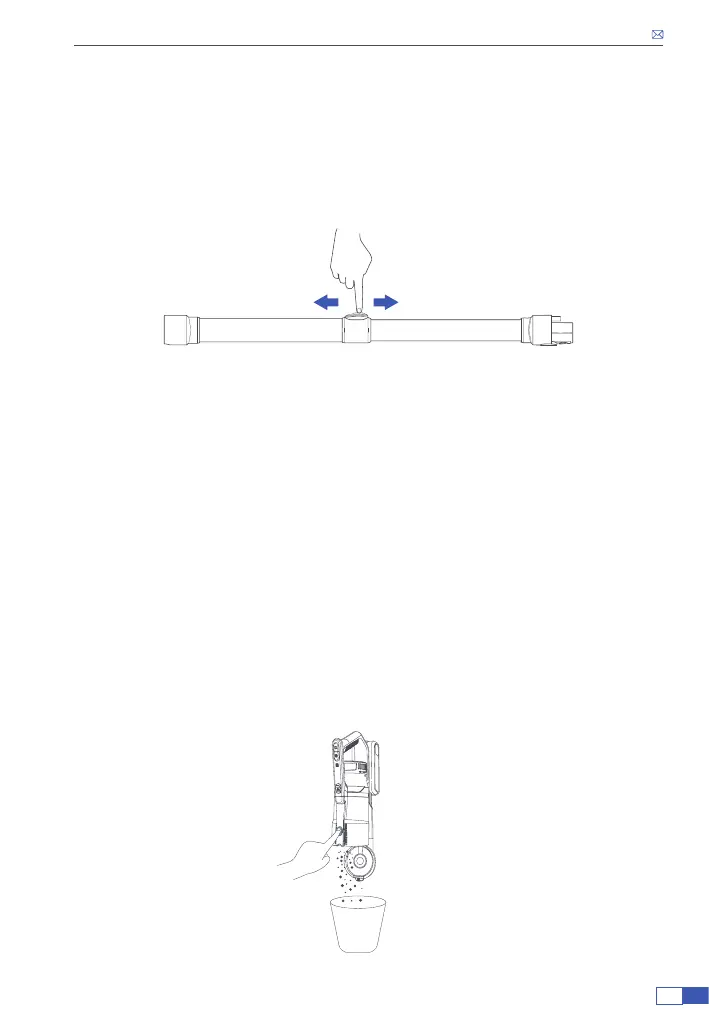
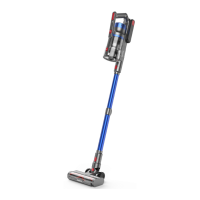
5. Adjust the length of the tube according to different needs.
6. After cleaning, press the ON/OFF button to turn off the
vacuum cleaner.
• Press the button behind the tube and pull out the tube at the same time
to extend the tube.
• Press the button and pull the tube back to shorten the tube.
CLEANEING
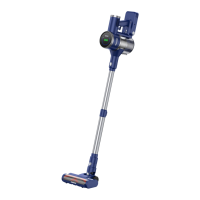
1. Empty the Dust Cup
To maintain good suction power, please empty the dust cup and clean the
lter after each use.
• Do not use the vacuum cleaner without a lter installed.
• After stopping the vacuum, place the vacuum cleaner above the trash
can and press the release button on the dust cup to open the dust cup lid,
dump out the trash.


 To Next Page