14EN
sales@ibuture.com
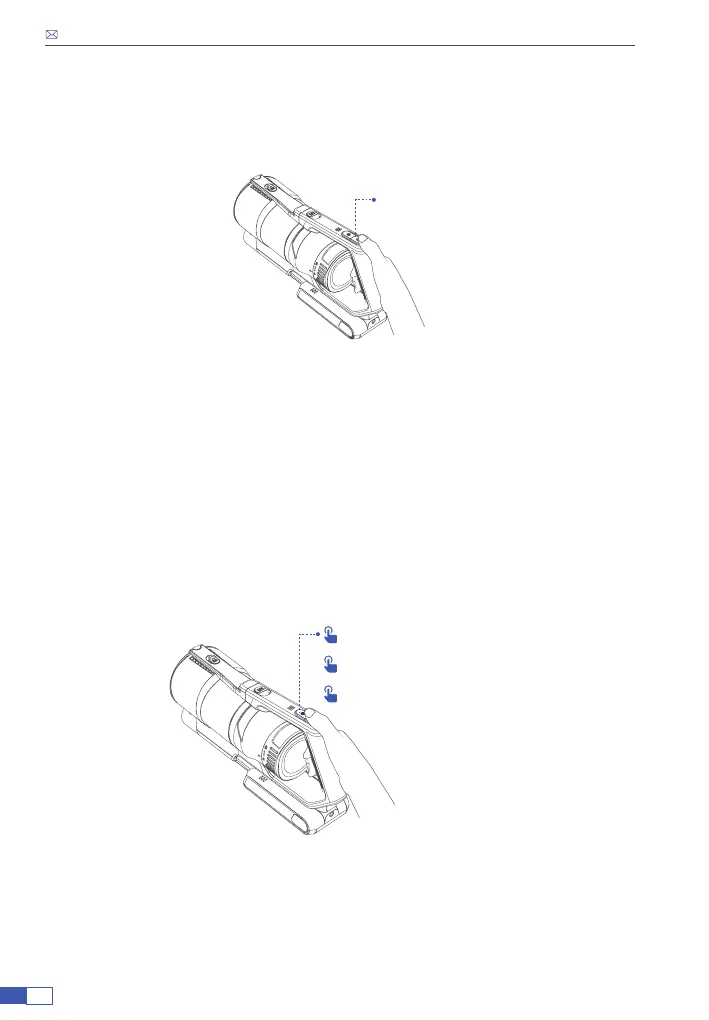
3. Press the ON/OFF button to activate the vacuum cleaner at
the lowest mode.
4. Press the suction adjustment button to change the suction
mode according to clean needs.
ON/OFF
• Press the speed control button to adjust to medium speed, the LED
indicator lights light blue.
• Press the speed control button to high speed, the LED indicator lights blue.
• Press the speed control button to come back to the low speed, the LED
indicator lights white.
Lowest level (white)
x1 Mid level (light blue)
x2 Highest level (blue)


 To Next Page