35 2022/03 - Indice de révision : A -
Modification of the operating Mode and Type: With the heat pump switched on and the keypad
unlocked,
3. Press the key 1 time : the operating type and mode icons blink
4. While the icons are blinking, press the right arrow key repeatedly to scroll thought the
operating Mode and type in the following order
ECO heating
SMART heating
BOOST heating
AUTO
ECO cooling
SMART cooling
BOOST cooling
Once the operating Mode and Type is selected, press the key to validate your selection and return
to the default display.
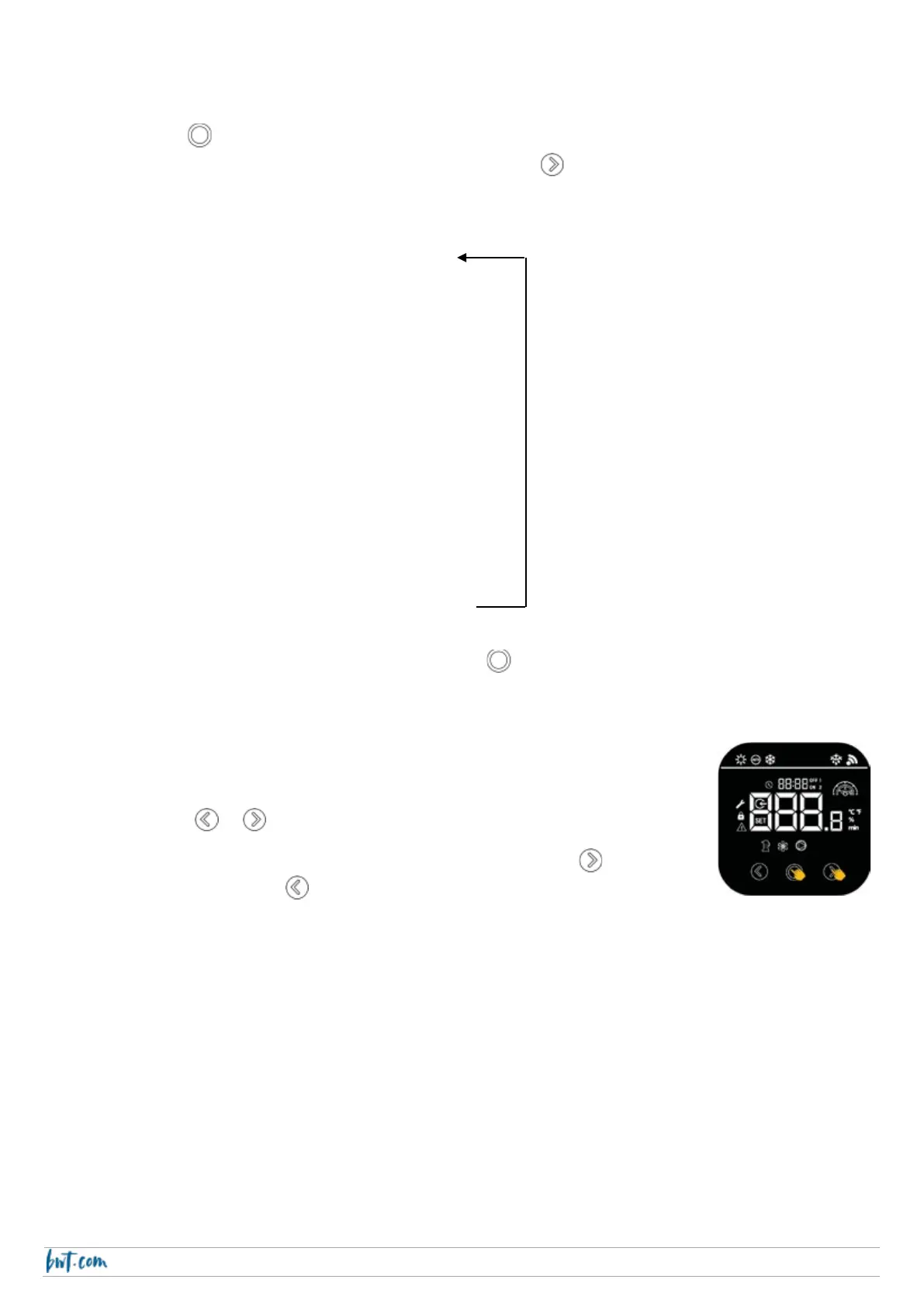
Selecting the temperature setpoint
Step 1: Unlock the screen
Step 2: Press or to display the current temperature setpoint,
Step 3: While the temperature setpoint is displayed, press the arrow key to
increase the value, or the arrow key to decrease the temperature (1 press = 1
°C).
The new value is saved and the screen reverts automatically to the default display (water T°C at the
inlet).



 To Next Page