34 2022/03 - Indice de révision : A -
The operating mode and type icons are lit up while the heat pump is running, and dark
when the heat pump is stopped.
The fan and compressor start up a few minutes after the heat pump switches on.
The compressor stops one minute after the heat pump shuts down, and the fan stops one
minute after the compressor.
This key also allow you to return to the default display (displays the temperature of the pool water
at the heat pump inlet).
After approximately 30 seconds of inactivity, the screen locks automatically and goes dark. If you
press any key, the screen lights up again, and the logo is displayed to indicate that it is locked.
The user can choose from 3 operating types:
- Heating: in the configuration, the heat pump can only increase the pool water
temperature (if the pool water temperature rises above the setpoint, the heat pump cannot
cool the water).
- Cooling: the heat pump can only decrease the pool water temperature (if it falls below
the setpoint, the heat pump cannot heat the water)
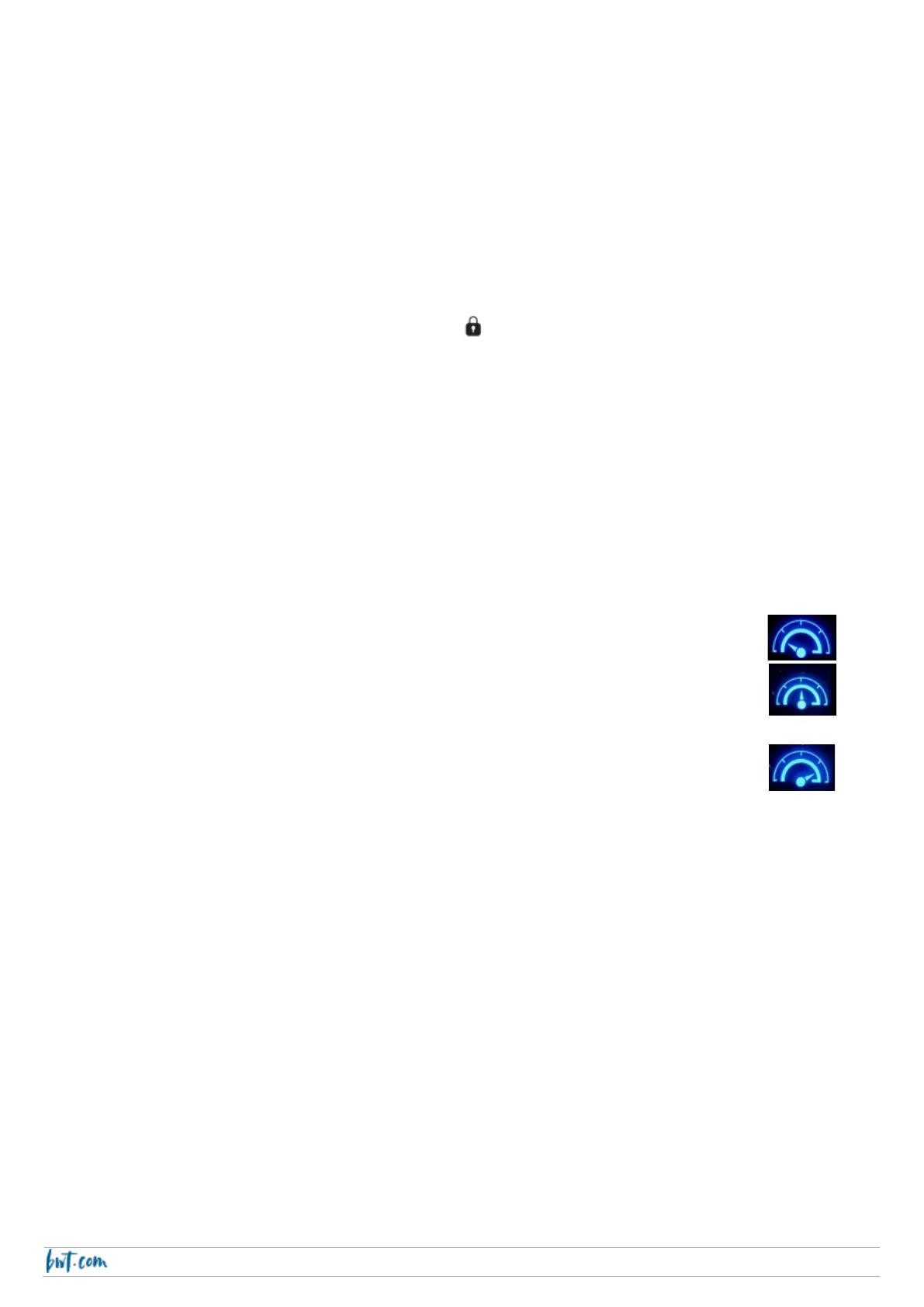
For each of these types of operation, the user can choose between 3 modes
• ECO mode: the heat pump favours operating with low noise emissions
• SMART mode: the heat pump optimises the heating power with respect to
noise emissions
• BOOST mode: the heat pump runs at its top speed
- Auto: the heat pump heats or cools the water as required, automatically switching from
heating to cooling and back. Thus, the heat pump brings the pool water back to the
setpoint irrespective of the direction of the deviation. It independently « intelligently »
selects the required operating type.



 To Next Page