EN
34
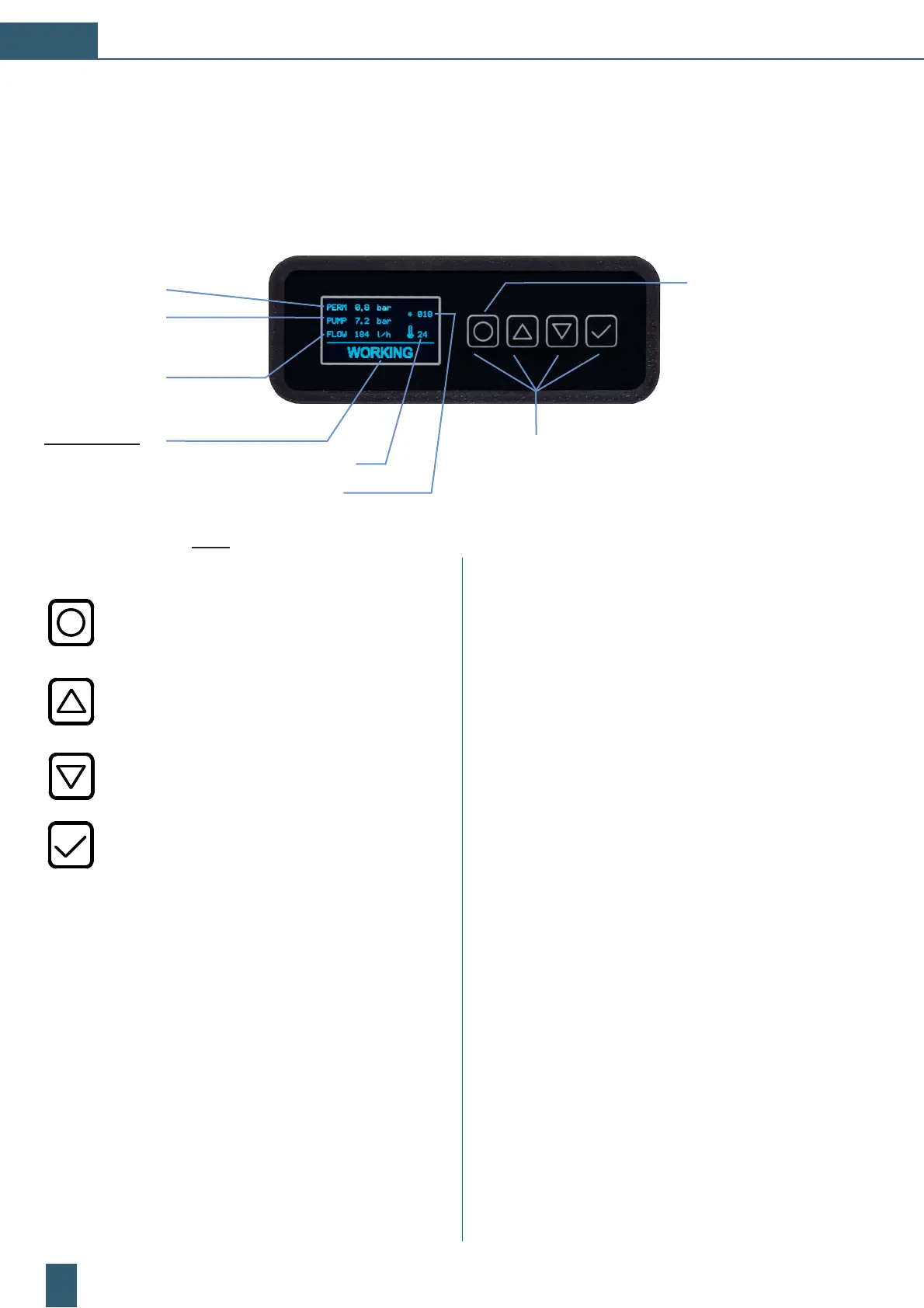
3.2 Function keys and display elements
Fig. 4: Display: with activated detail menu
By pressing the [ON/OFF] button the device switches
from Ready to Pause or ON/OFF.
[] (Arrow up) button Scrolls through the menu
pages upward or increases the value of the
parameter presently shown on the display.
[] (Arrow down) button Scrolls through the menu
pages downward or decreases the value of
the parameter presently shown on the display.
[] Confirmation button Confirmation of the
parameter presently shown on the display and
performs partially (analogy to each of the units
mode) a reset in case of alarms and/or failures.
Status displays:
READY ; PAUSE ;
WORKING, FLUSH
Pressure permeate:
Pump pressure:
Permeate flow:
4 Control keys for the menu and parameter
selection [O], [], [], []
3.1 Quick operation guide
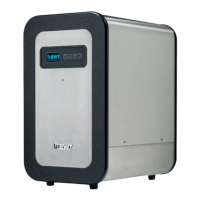
The BWT PERMAQ
®
compact 2 - 6 devices could be controlled and parameterised with the control unit.
The display of the RO unit shows after the starting phase all currently measured operating values.
Feed water temperature:
Permeate conductivity:
READY ; PAUSE ;
device [ON/OFF]
General status:
μS/ppm: When the RO unit is in production, the value of
conductivity in
» μS « or TDS in » ppm « can be shown,
with the activation of the detail screen by tapping the
arrow keys.
ready:
“READY“ for a new consumption demand.
In the online mode the unit starts automatically
when the permeate pressure falls below the
presetted starting pressure.
pause:
RO unit stops the permeate production.
Observe: The unit doesn‘t start in case of
a new emerging permeate demand.
Only in the mode “PAUSE“ is your RO unit
programmable.
working: RO unit is in production ... “WORKING“.
By pressing the [ON/OFF] button the production
is interrupted and the “PAUSE“ message appears,
by a repeated pressing the production start again.
flush:
The RO unit rinses ... “FLUSH“ and switches after
that automatically to the operating step “READY“.
Optionally available, Item no. 812847:
“EXT. PAUSE“: The RO unit can be equipped with the additional
I/O installation kit, started and stopped due to the triggering of
an external NO potential free signal.


 To Next Page
 Loading...