EN
41
3.8.2 Menu: SERVICE
s¬Settings of SERVICE parameter:
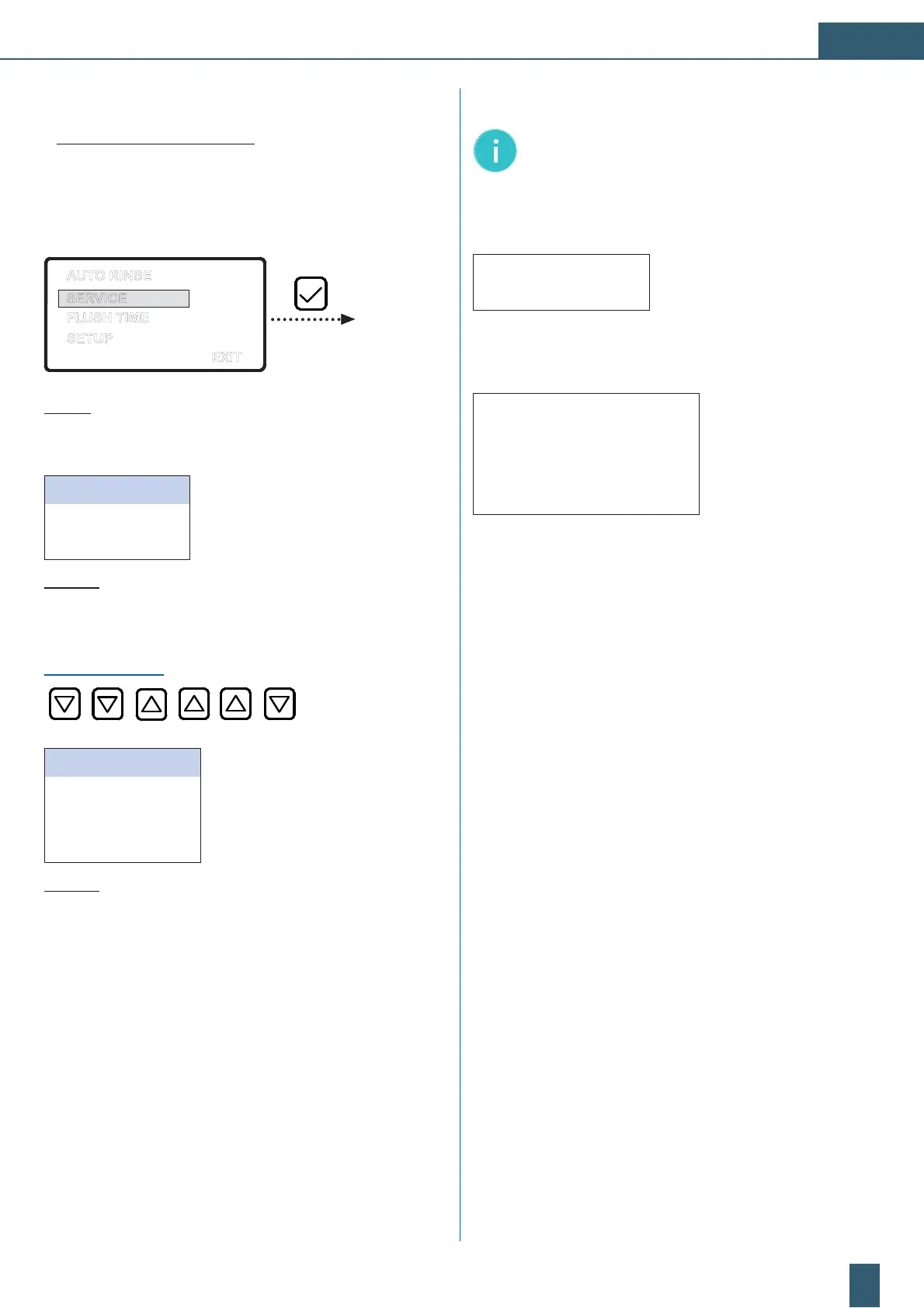
D Press the arrow keys to call up the menu screen.
D The main selection menu appears with “SERVICE“ being
activated.
EXIT
SERVICE
AUTO RINSE
FLUSH TIME
SETUP
Fig. 15: Main selection menu: “SERVICE“
1. Menu level (selection menu “SERVICE “)
SERVICE INTERVAL Service interval (ACTIVE)
SERVICE RESET
Reset of the service interval to 365 days
BACK
Quit menu and retun to selection menu
Fig. 15a: Menu Level 1: “SERVICE“
Perform the settings of the “SERVICE INTERVAL“ selection menu
in accordance with Fig. 16.
PASSWORD ENTRY:
SERVICE DAY
Service time in days
SERVICE PRE-FILTER
Capacity of the pre-filter
SERVICE POST-FILTER
Capacity of the post-filter
BACK
Quit menu and retun to selection menu
Fig. 15b: Menu Level 2: “SERVICE settings“
Note: The menu “SERVICE INTERVAL“ is secured by a
password. Please contact the BWT
service, in case of
a change of the system settings.
The current servicecounter of the service interval “ *** days “ is
accessible via the mode “ready“ by pressing the [] button.
155 days
With a present counter value of “0 days“ the message:
“SERVICE IN:“ and an audible signal appears, to rembember
the user of the next maintenance.
SERVICE IN
DAYS: xxx ver. xyz
PRE-FILTER xxxxx lt
POST-FILTER xxxxx lt


 To Next Page
 Loading...