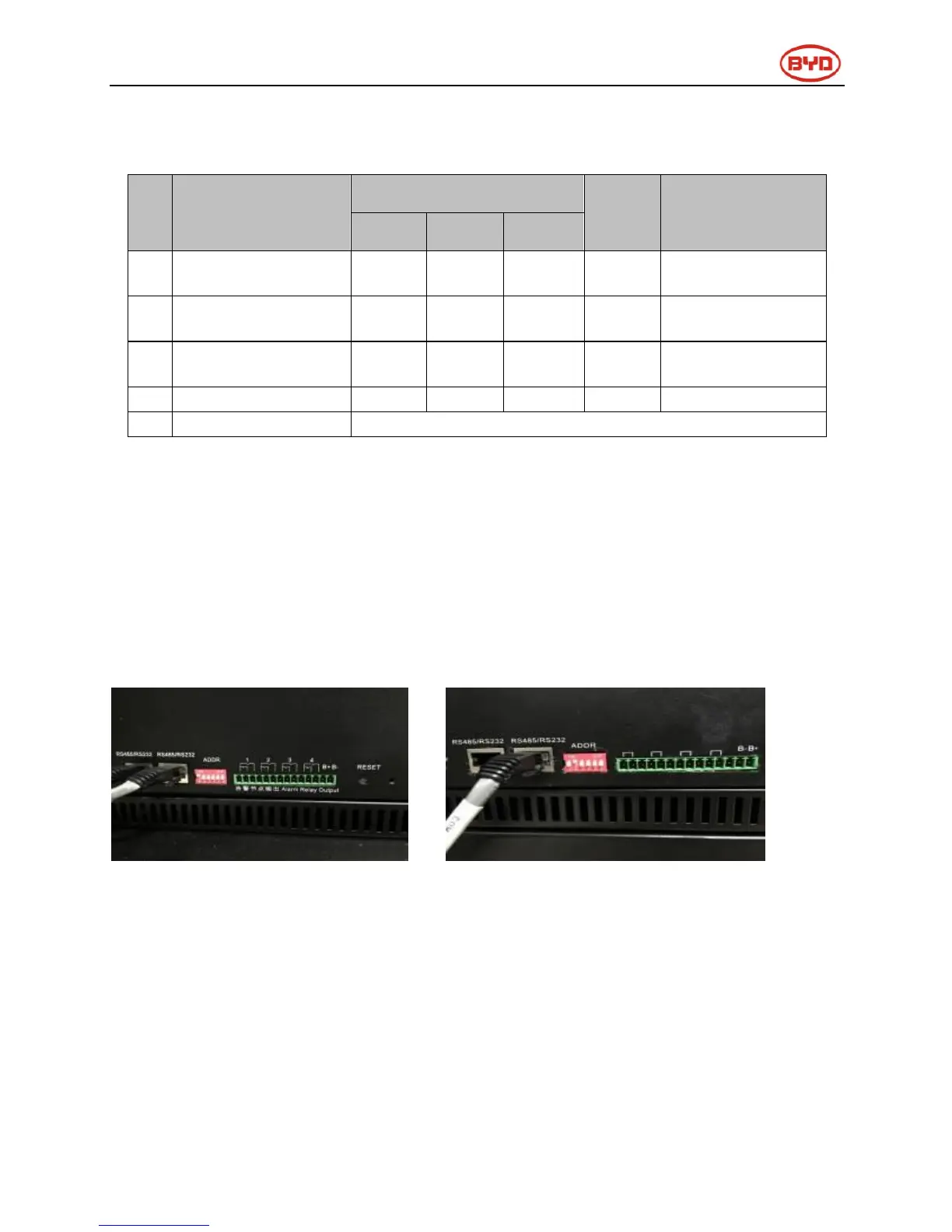
5.7 B-Plus 2.5 address switch introduction
After finished the battery installation, installer should setup battery address by “ADDR” switch.
“ADDR” switch introduction:
Function: Communicate between battery and BMU, BMU will communicate with external equipment when
use CAN communication.
Each DIP switch definition:
There are 6 bit switches, keep the switch on down side means”0”, turn up the switch to “ON” means “1”.
For example: when two battery in using, “ADDR” setting:
No.1 battery address: 100000 No.2 battery address: 010000
Please refer to the configuration list in Appendex1.
Notice: Make sure of the highest address of BMS connecting to BMU which communication with inverter.


 To Next Page