- 103 -
F3DM Owner’s Manual
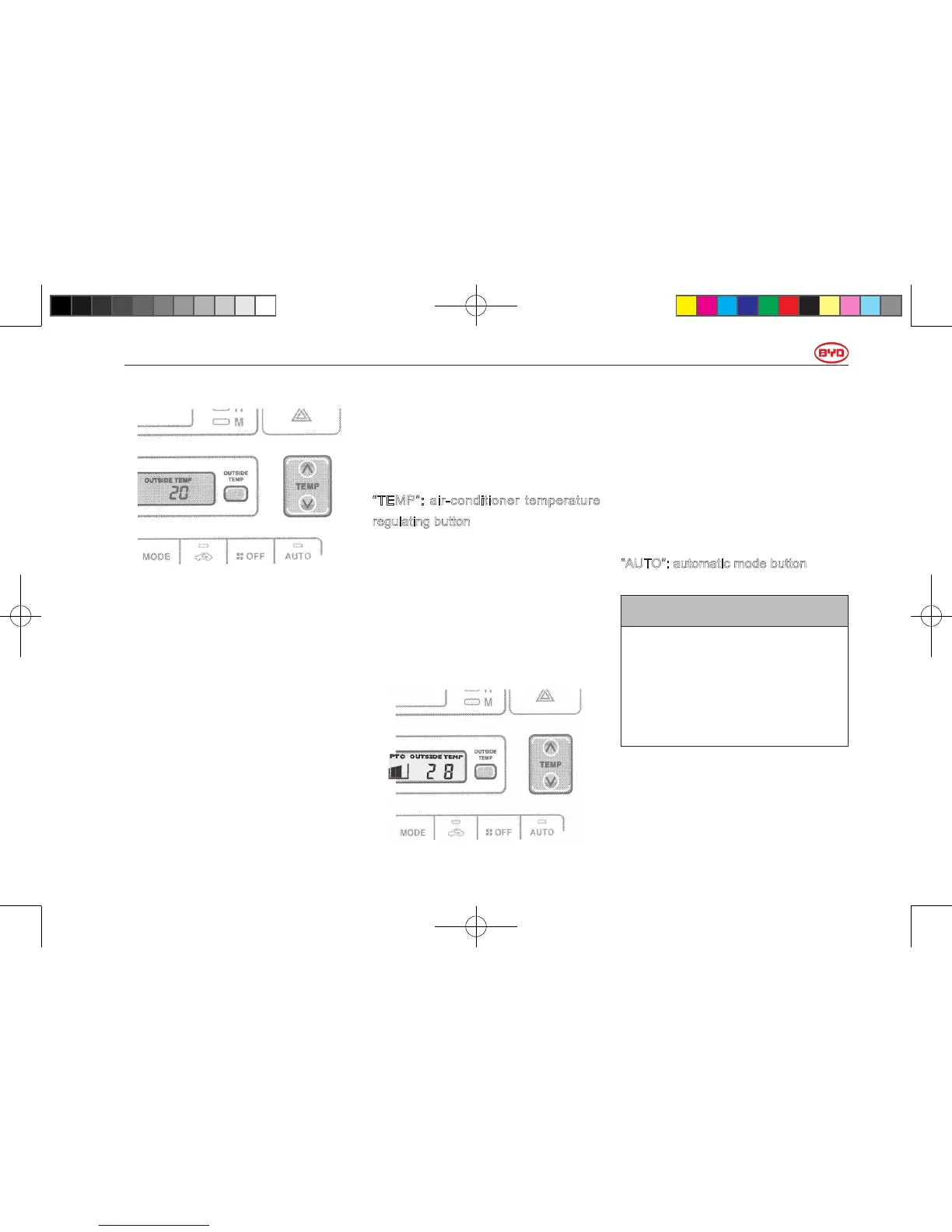
Press “OUTSIDE TEMP” button
to switch the temperature display
between air-conditioning temperature
and outside temperature.
When pressing “OUTSIDE TEMP”
button, outside temperature instrument
indicates the Celsius temperature of
outside air.
The key must be at “ON”.
Repress this button to turn off the
display.
When air-conditioning system is turned
on, press “OUTSIDE TEMP” button will
indicate the outside temperature and
press “OUTSIDE TEMP” or “TEMP”
button again will indicate the air-
conditioning temperature.
“TEMP”: air-conditioner temperature
regulating button
Press “
∧
” to increase the temperature
and press “
∨
” to lower the
temperature.
When it is adjusted to the minimum
temperature, “COLD” displays; while
“HOT” displays when it is adjusted to
the maximum temperature.
In heating mode, “PTC” appears on
the display screen of air conditioner,
indicating PTC heater is working.
When PTC heater stops working, “PTC”
disappears from the screen.
The switch of PTC heater is controlled
automatically by the system.
“AUTO”: automatic mode button
NOTICE
To prevent the battery from being
discharged, do not leave the
air conditioning on longer than
necessary when the DM hybrid
system is not operating.
For automatic operation of air
conditioner, please press automatic
mode button. After the button is
使用手册小330.indd103 2011-4-1318:36:48



 To Next Page