44
English
15 Calibration and Autodiagnosis
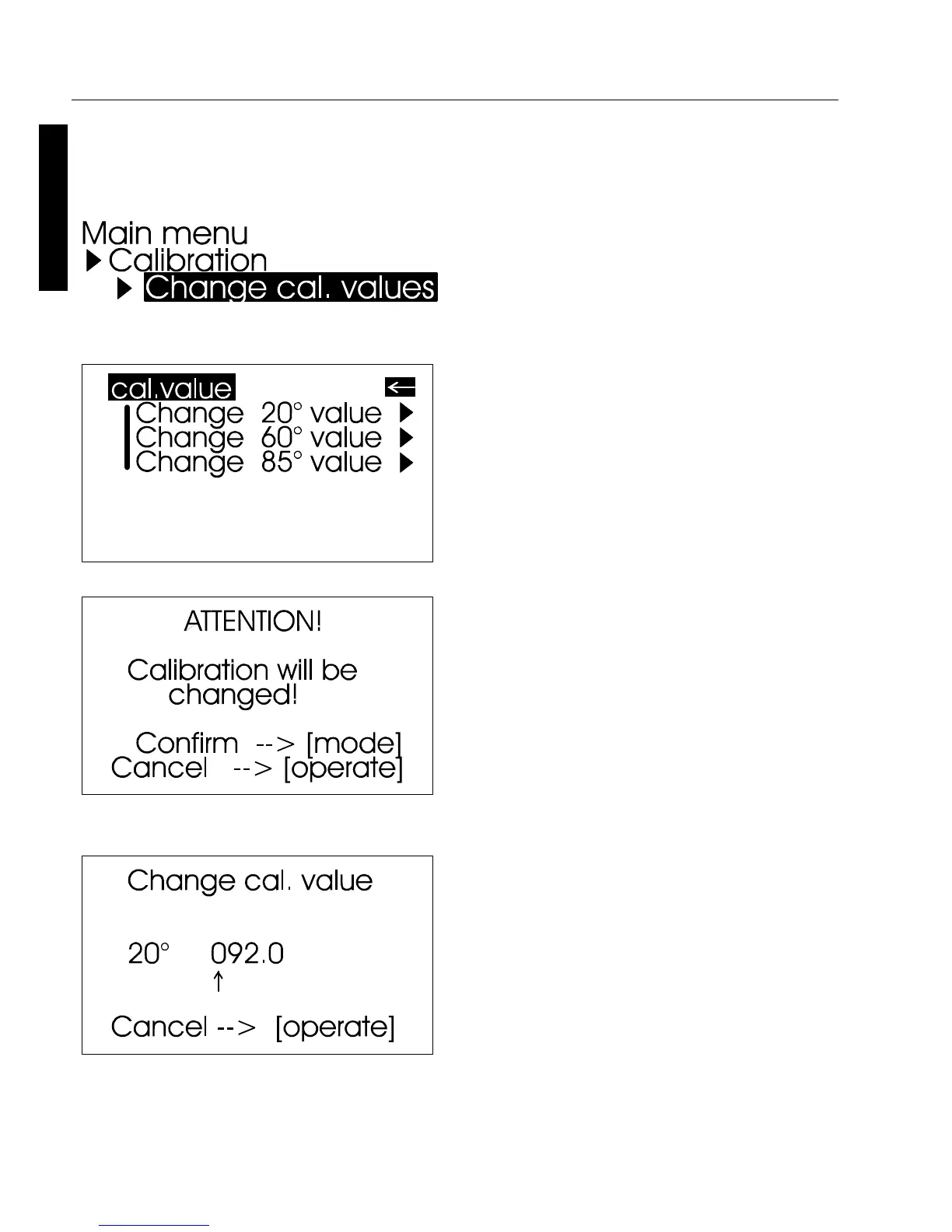
In some cases, a selection menu
may appear for geometries. Select
the desired geometry and press
the scroll wheel.
A warning message appears. You
can cancel this process by
pressing the operate button.
If you press the scroll wheel, you
will continue with the process of
changing calibration values.
In the next display you can enter
new calibration values.
To ensure exact calibration, only
original standards from the
manufacturer should be used.
You can use the path shown on the
right side to reach the Change
cal.values menu option.



 To Next Page