45
English
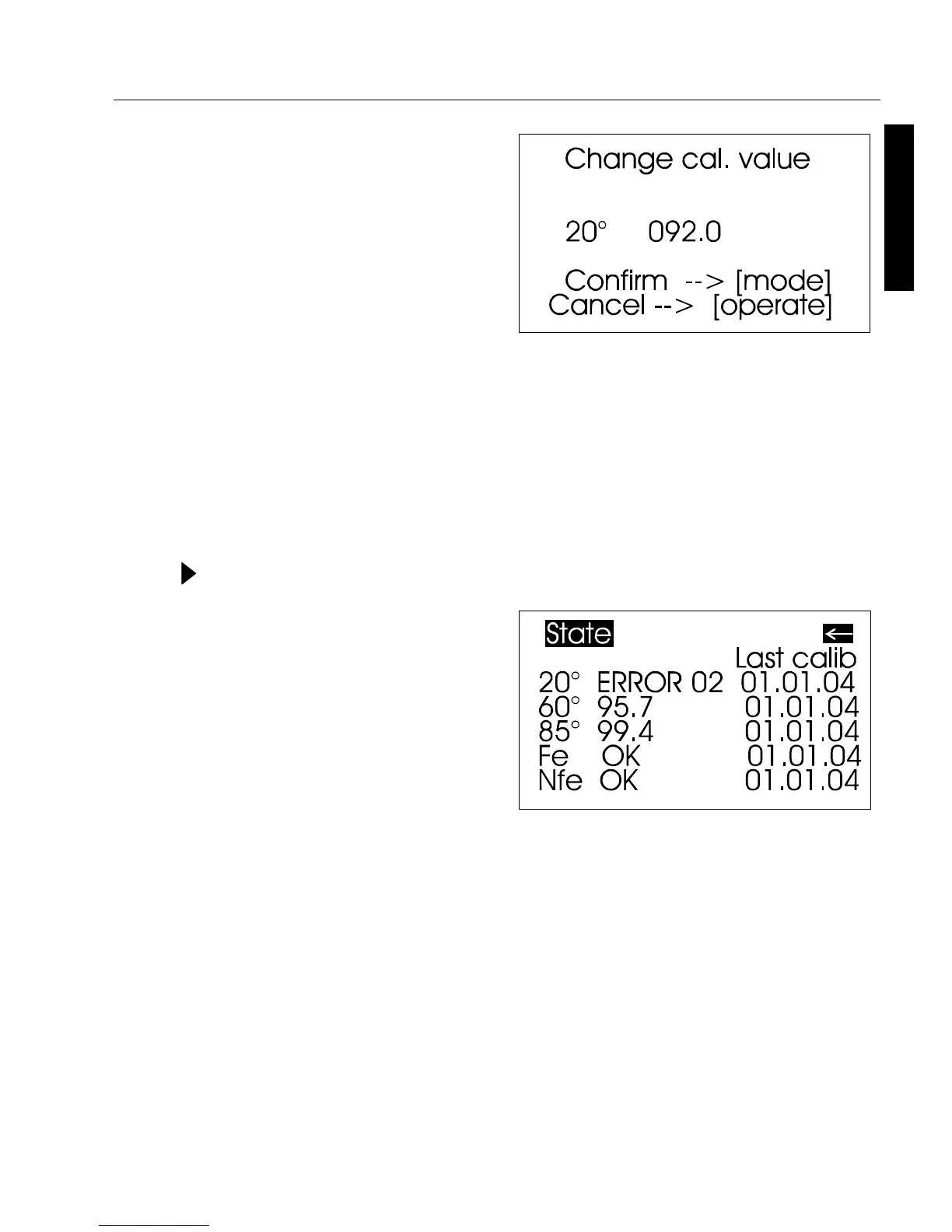
After you have entered the new
value, a warning message
appears again in the display. You
can again abort the process with
operate.
If you confirm the new value by
pressing the scroll wheel, the
value will be accepted.
After you have changed all
necessary values, you should
recalibrate the measurement
device as usual.
State
This menu item provides you with
information on the calibration
status of the unit.
In particular, you can check here
whether the saved calibration
values match those of the holder.
The display also indicates if an
error message was generated as a
result of the last autodiagnosis or
calibration. If this has happened,
further information is available
under Section Errors and warning
messages.
Calibration and Autodiagnosis 15



 To Next Page