EasyManua.ls Logo

C.E.C. 530CD - Page 37

C.E.C. 530CD
62 pages
Print Icon
To Next Page IconTo Next Page
To Previous Page IconTo Previous Page
Loading...
ENGLISH
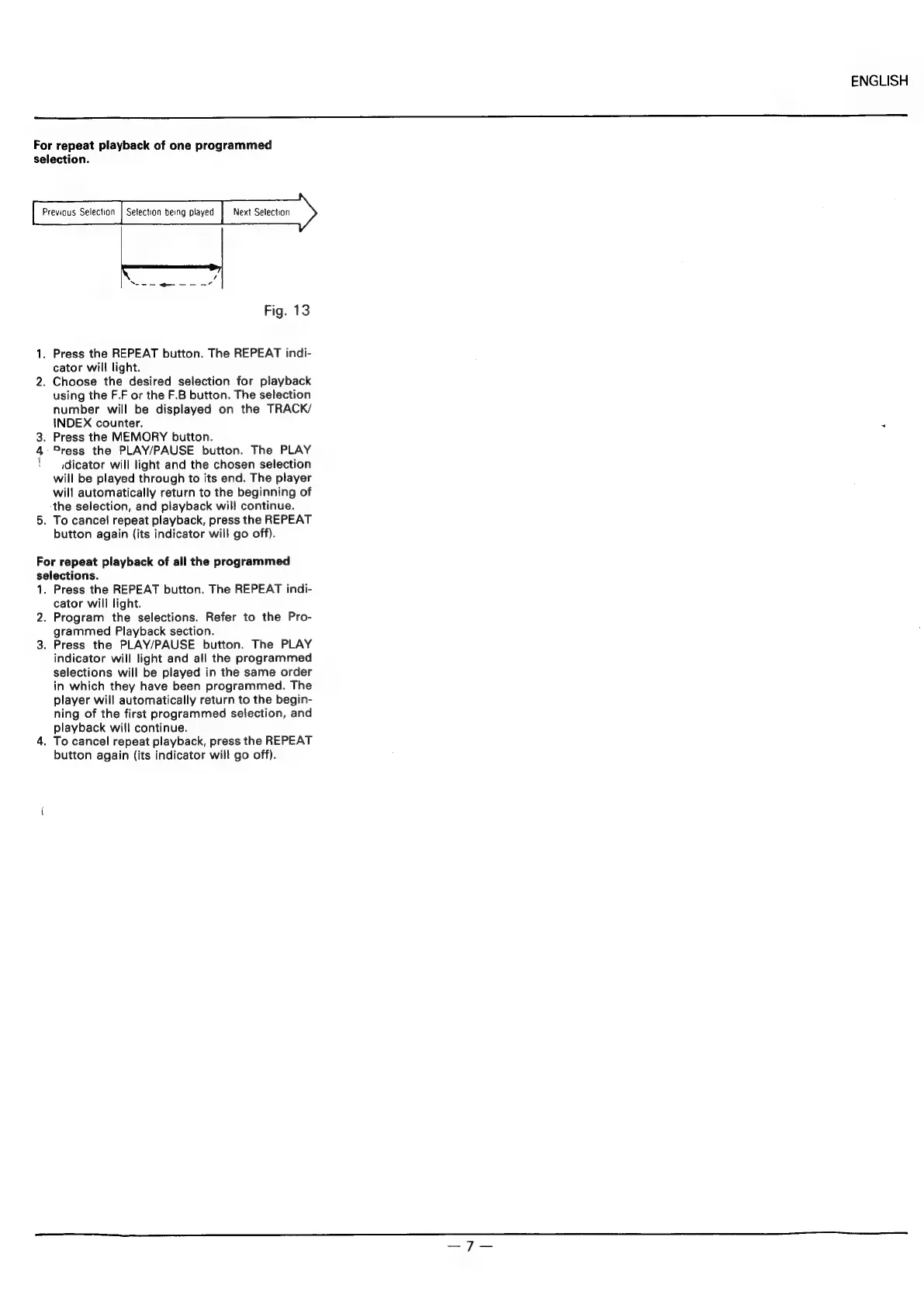
For
repeat
playback
of
one
programmed
selection.
Previous
Selection
|
Selection
being
played
Next
Selection
Fig.
13
1.
Press
the
REPEAT
button.
The
REPEAT
indi-
cator
will
light.
2.
Choose
the
desired
selection
for
playback
using
the
F.F
or
the
F.B
button.
The
selection
number
will
be
displayed
on
the
TRACK/
INDEX
counter.
3.
Press
the
MEMORY
button.
4
Press
the
PLAY/PAUSE
button.
The
PLAY
idicator
will
light
and
the
chosen
selection
will
be
played
through
to
its
end.
The
player
will
automatically
return
to
the
beginning
of
the
selection,
and
playback
will
continue.
5.
To
cancel
repeat
playback,
press
the
REPEAT
button
again
(its
indicator
will
go
off).
For
repeat
playback
of
all
the
programmed
selections.
1.
Press
the
REPEAT
button.
The
REPEAT
indi-
cator
will
light.
2.
Program
the
selections.
Refer
to
the
Pro-
grammed
Playback
section.
3.
Press
the
PLAY/PAUSE
button.
The
PLAY
indicator
will
light
and
all
the
programmed
selections
will
be
played
in
the
same
order
in
which
they
have been
programmed.
The
player
will
automatically
return
to
the
begin-
ning
of
the
first
programmed
selection,
and
playback
will
continue.
4.
To
cancel
repeat
playback,
press
the
REPEAT
button
again
(its
indicator
will
go
off).