support@swiftlane.com
| 505-657-9438
30
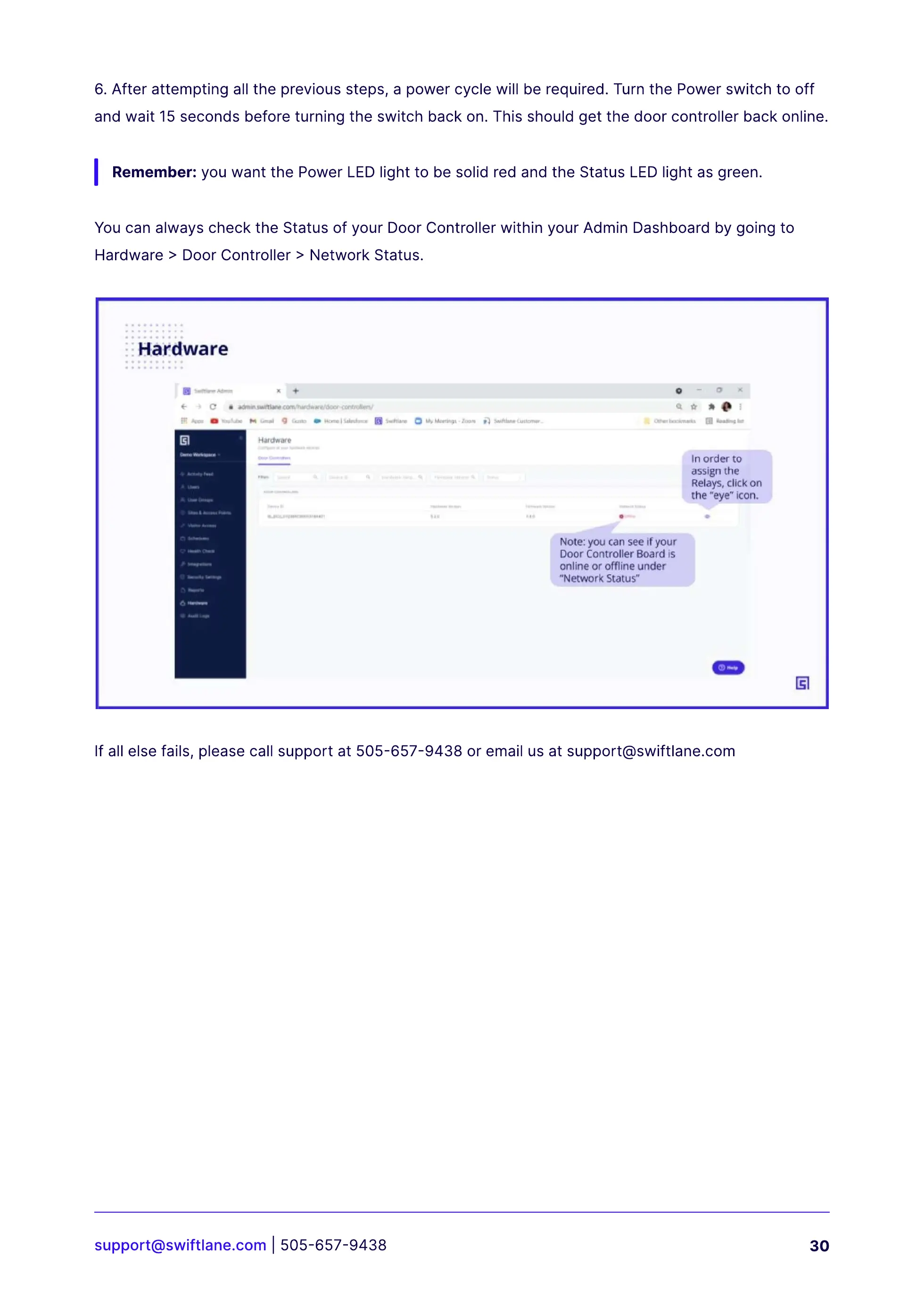
You can always check the Status of your Door Controller within your Admin Dashboard by going to
Hardware > Door Controller > Network Status.
If all else fails, please call support at 505-657-9438 or email us at support@swiftlane.com
6.After attempting all the previous steps, a power cycle will be required. Turn the Power switch to off
and wait 15 seconds before turning the switch back on. This should get the door controller back online.
Remember: you want the Power LED light to be solid red and the Status LED light as green.



 To Next Page