EN
20
Owner’s manual
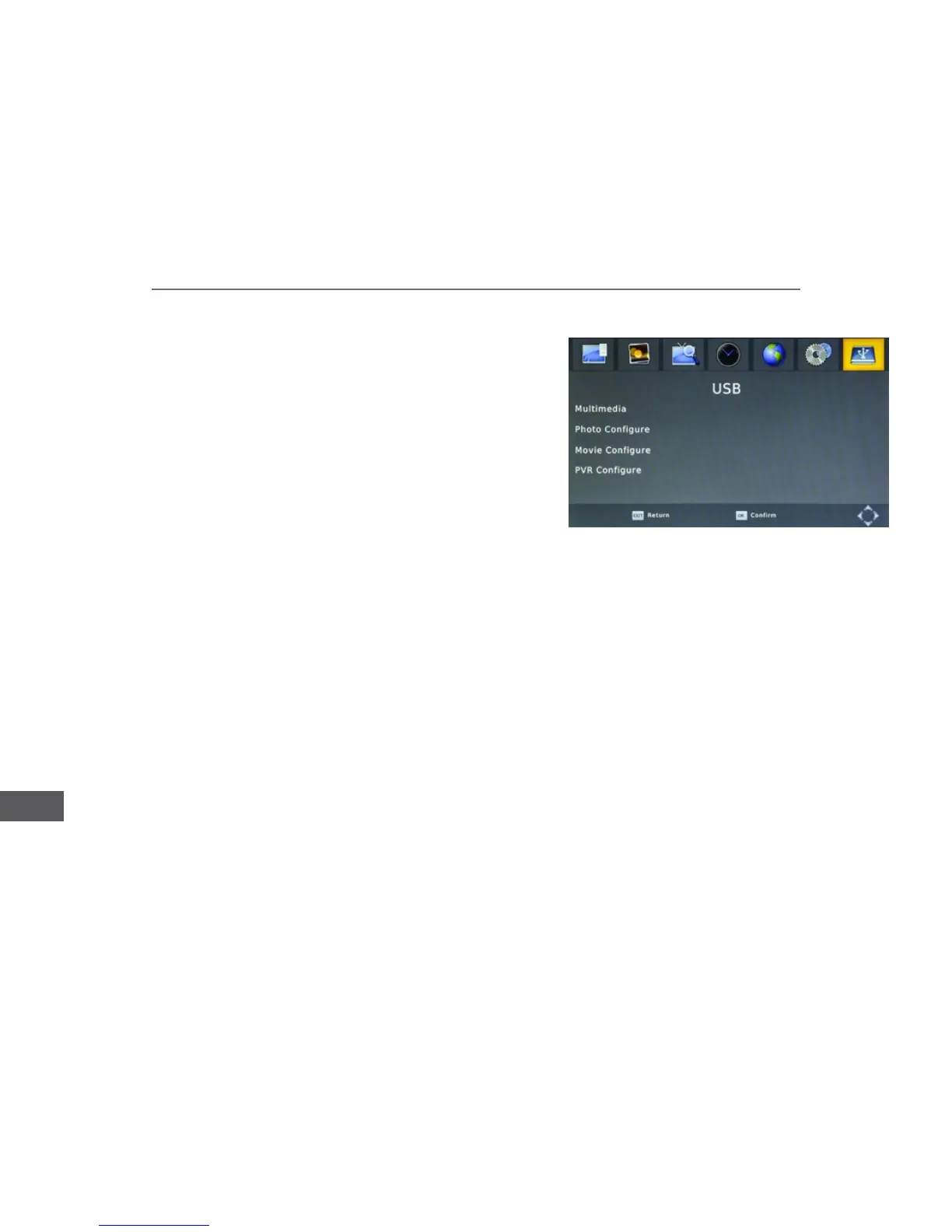
USB
Aspect ratio: select [Keep] to show photos in the original format or
[Discard] to show in the full screen.
Subtitle font color: set the subtitle font color.
Format: select to format the connected USB device.
This function ensures a continuous background recording of the selected channel.
cutdown will be displayed at the bottom of the screen).
Use REV/FWD/Play/Pause buttons on the remote control to control the playback of the recorded video.
To remove the status bar from the screen without disabling Timeshift, press EXIT button on the remote control. To turn off
the Timeshift, press Stop button on the remote control.
CPU: MSD-7T01
Internal memory: 32 Mb
RAM: 512 Mb
Antenna connector: IEC-Female
Loop output: IEC-Male



 To Next Page