Need help?
Do you have a question about the Cabletech URZ0328 and is the answer not in the manual?
Covers electric shock risks, proper handling, environmental conditions, and safe usage practices.
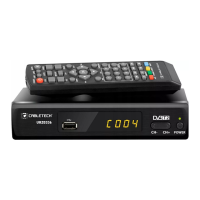
Identifies buttons, sensors, and ports on the front of the device.
Details the connectors and ports located on the rear of the device.
Explains the function of each button on the remote control for device operation.
Provides step-by-step instructions for inserting batteries into the remote control.
Guides users through automatic and manual processes for finding TV channels.
Using the USB port for multimedia playback, photo slideshows, movie subtitles, and PVR functions.
Enables background recording and playback control for live TV.
 General
| Type | USB TV Tuner |
|---|---|
| Power Supply | USB powered |
| Connectors | USB, Antenna input |
| Video Formats | MPEG-2, MPEG-4 |
| Functions | Time-shifting |
| Tuner Type | DVB-T2/DVB-T |
| Compatibility | Windows |
| Output | USB |


 To Next Page