19
The power levels available for
adjustmentare:
1/1 1/2 1/4 1/8 1/16 1/32 1/64 1/128
1/2+0.3 1/4 +0.3 1/8 +0.3 1/16 +0.3 1/32 +0.3 1/64 +0.3 1/128 +0.3
1/2 +0.7 1/4 +0.7 1/8 +0.7 1/16 +0.7 1/32 +0.7 1/64 +0.7 1/128 +0.7
Adjusting the Zoom Level
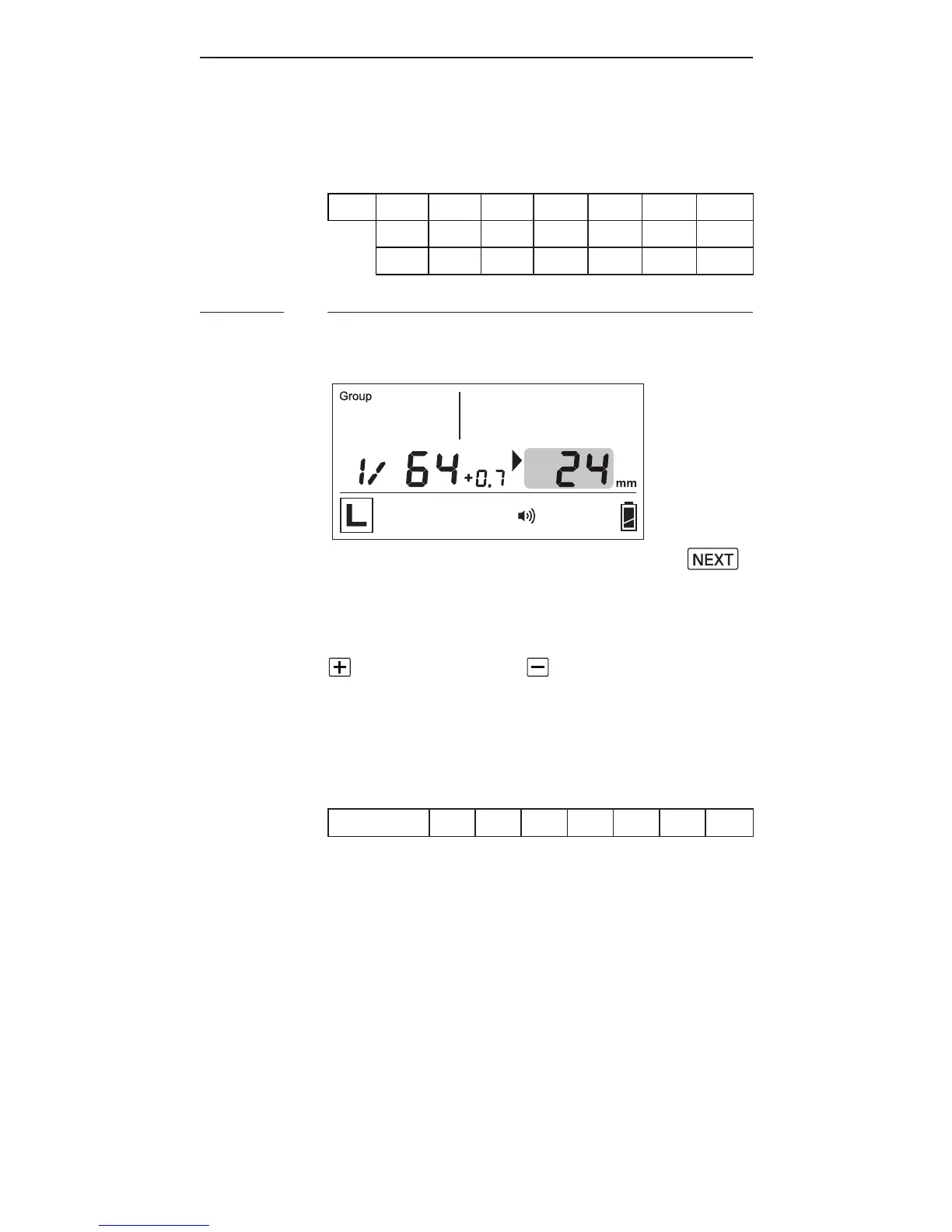
Toadjustthezoomlevel,press
until the selection indicator ► is
p oi nti n g t ot h ez o o m v a lu e(i.e., th e
rightgureinthecenterrow).Press
to increase or to decrease the
z o o m le v el.
T h e zo o m le v el s a v a il a ble f or
adjustmentare:
Z o o m(m m)
24 28 35 50 70 80 105
8.2



 To Next Page