25
10. Group Aliases
T h e R F60 c o m e s w it h a l ist of pr e - s et
g r o u p a li a se st oc h o os ef r o m for t h e
particular slave groups according to
the purpose of each. The chosen group
alias will be shown in the text area
next to the group panel. The group
alias will display whenever the
group is selected.
The group aliases available for
selectionare:
K E Y – FI L L– SP O T –R I M – H AIR –L E F T
– R IG H T– B AC K – FR O N T
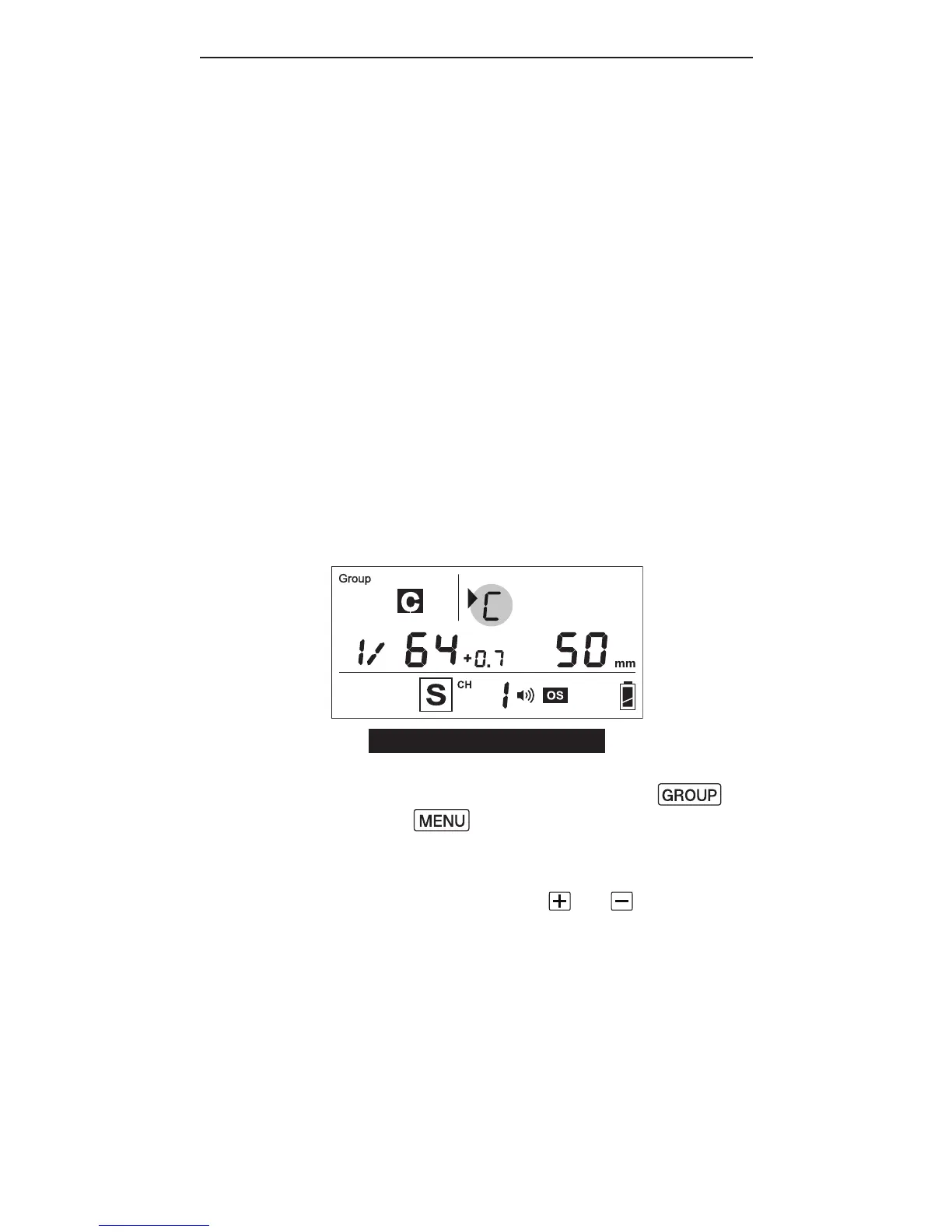
1. T o s et ag r o u p a li a s, select the
group you would like to set an
aliasfor,thenpressthe
and b u tt o n s si m u lt a n e o u sl y.
2. The selection indicator and group
letter will be shown in the text
area. Press the or button
to scroll through the available
group aliases.



 To Next Page