18
8.1
8. On-camera Operation:
Local Mode
S et u p t h e R F60 i nL o ca l m o d e
w he n y o uw or k w it h o n e a s h o n t h e
c a m e r a’s h ots h o e.
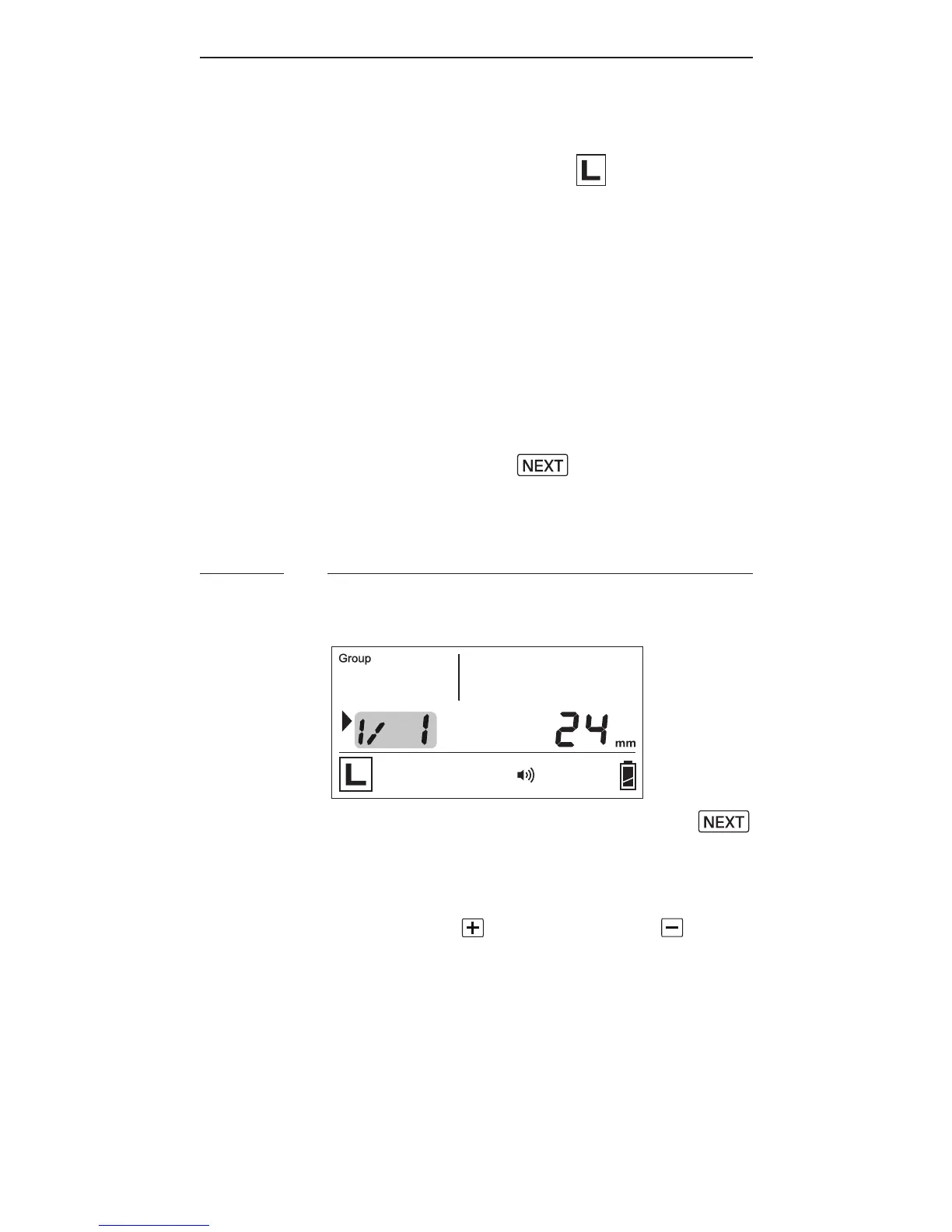
I n th em a i n s c r e e n, t h ep o w er le v el
is s h o w n o n t h e lef t w h i le t h e zo o m
level is shown on the right. The
selection indicator ► will be shown
at eit h er t h ep o w er le v el o r z o o m
level. Press the button to
switch the selection indicator in
or d er t oa d ju st a s etti n g of a n it e m.
Adjusting the Power Level
T o a d ju st t h ep o we r le vel, pr e ss
until the selection indicator ► is
pointing to the power ratio value
(i.e.,theleftgureinthecentral
row).Press to increase or to
decrease the power level.



 To Next Page