17
4. Press the button to leave
a n d g o b a ck t o th em a i n s cr e e n, or
press the button to change the
m e n ut ot h en ex t it e mi n t h e
sequence.
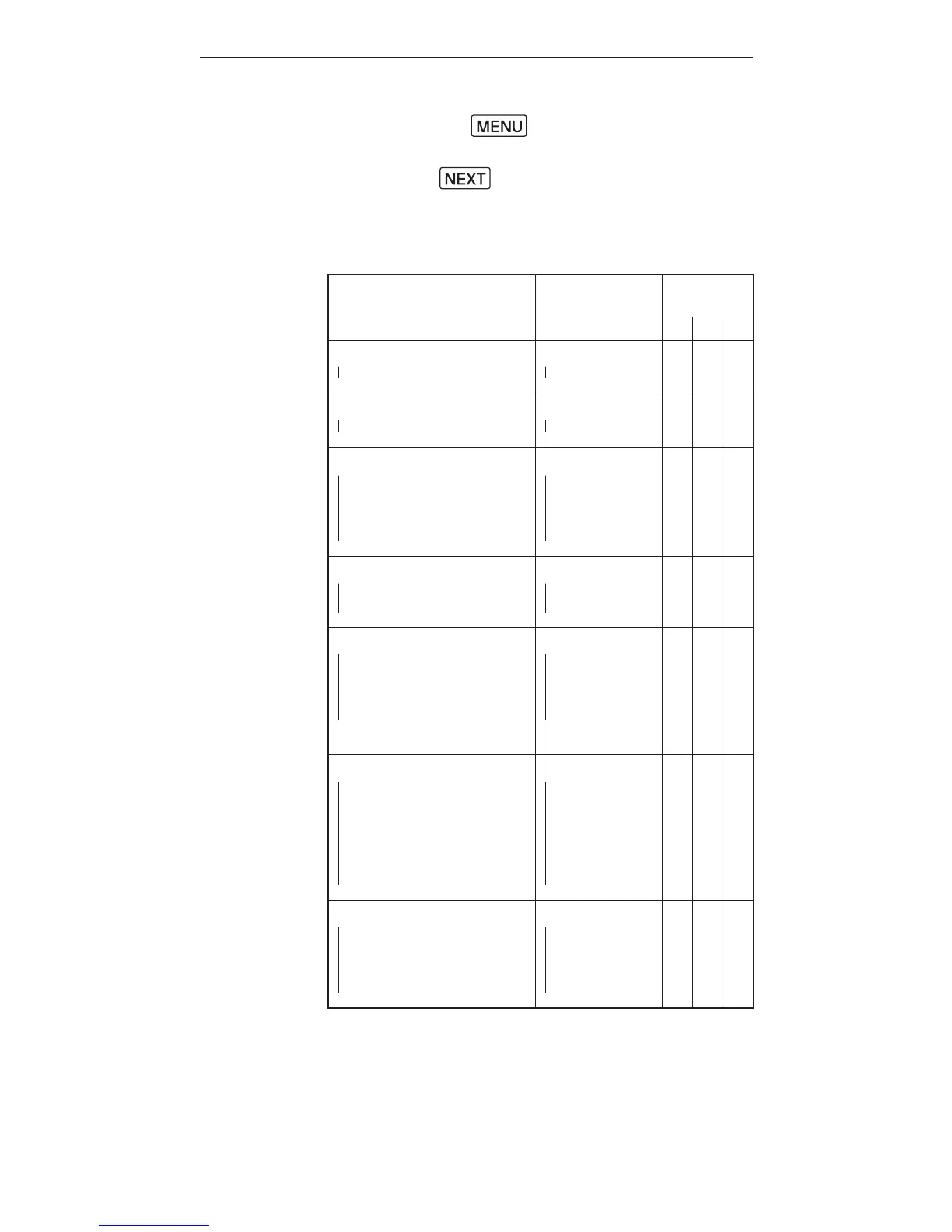
Menu item and
corresponding options
Text shown
on LCD
Applicable
modes
L M S
RF Channel
- 1-16
CH
- 1-16
√ √
DelayTimer
-0-999ms
DELAY
-0-999ms
√ √ √
Optical Slave
- Off
- S 1: S t r a i g ht
Triggering
- S 2:P r e - a s h I g n o r e d
OPT SL
- OFF
-S1(FIRST)
- S 2(M A I N)
√ √ √
Quick Flash
- Off
- On
QCK FL
- OFF
- O N
√ √ √
Beep Feedback
- Off
- F n 1:Q u ic k F l a s h
- F n 2: F u l l C h a r g e
- F n3:I n s u f cie n t
Power Warning
BEEP
- OFF
- F n 1(Q CK F L)
-Fn2(READY)
- F n3(W A R N)
√ √ √
Sle e p T i m e r
- Off
-3min
- 5 m i n
- 15 m i n
- 3 0 m i n
- 6 0 m i n
SLEEP
- OFF
-3min
- 5 m i n
- 15 m i n
- 3 0 m i n
- 6 0 m i n
√ √ √
LCD Backlight
- Off
- 5 s e c
- 15s e c
- Continuous
BK LGT
- OFF
- 5 s e c
- 15s e c
- O N
√ √ √



 To Next Page