16
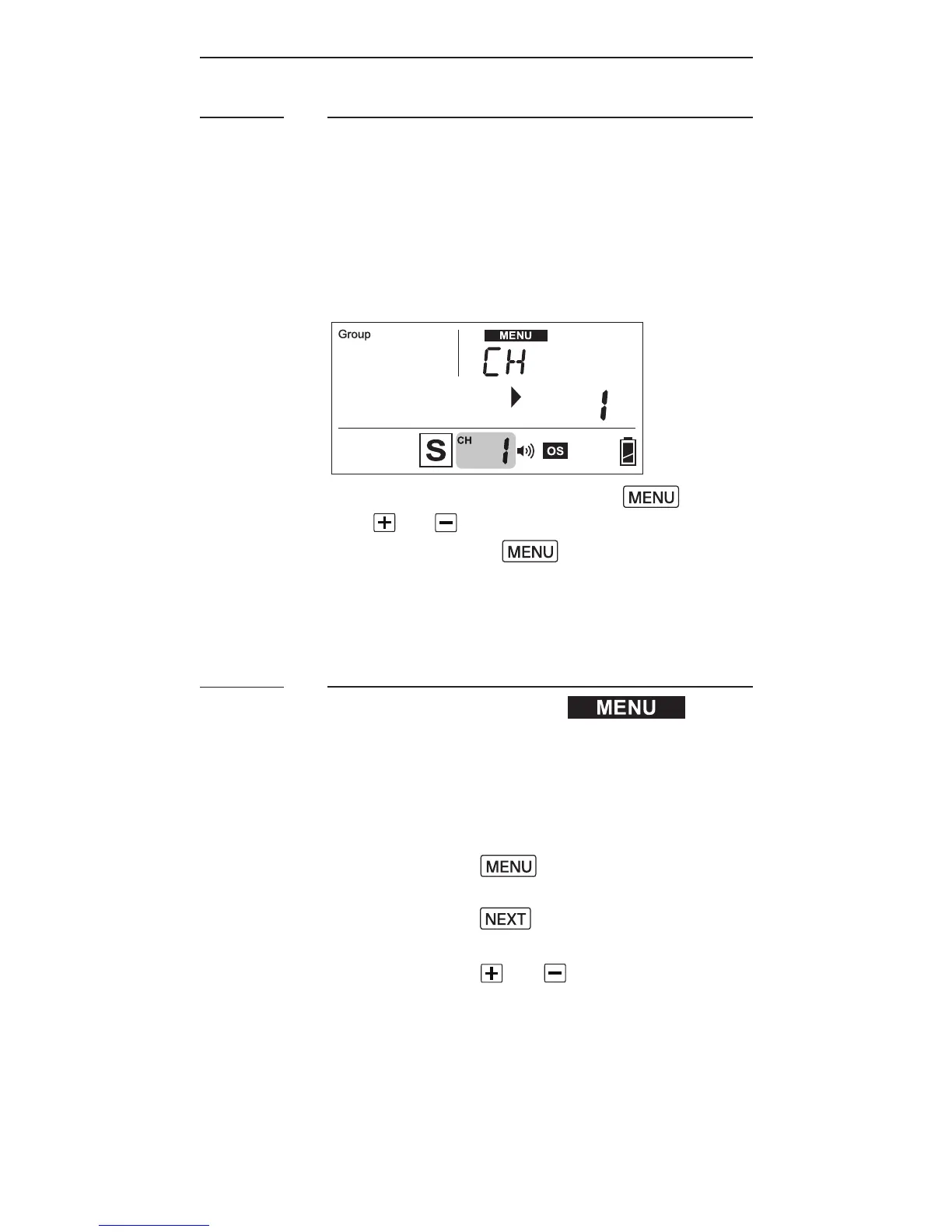
Setting Channel
When the RF60 units are in the Master
or Sl a v e m o d e, t h e y n e e d t o
c o m m u n ic at e i n t he sa m eR F w i r ele s s
channel with each other.
T o s ett he ch a n n el,p r e s s . Use
the or button to select the RF
channel. Press to go back to
t h e m a i ns cr e e n.T h e s ele ct e d
channel will be shown on the LCD
pa nel.
Navigating the Menu
T h e r e a r ea n u m b e r ofc o n g u r a ble
m e n uo ptio n s o nt he R F60.
T o c h a n g e a m e nu o ptio n:
1. Press the button to access
t h e r st m e n u it e m.
2. Press the button to change
themenusubjectinthesequence.
3. Press the or button to see
e a ch o ptio nof am e n uit e m.T h e
c o n g u r atio nof t h em e nu it e m
w ill c h a n g e i m m e d iat el y.
7.7
7.8



 To Next Page