15
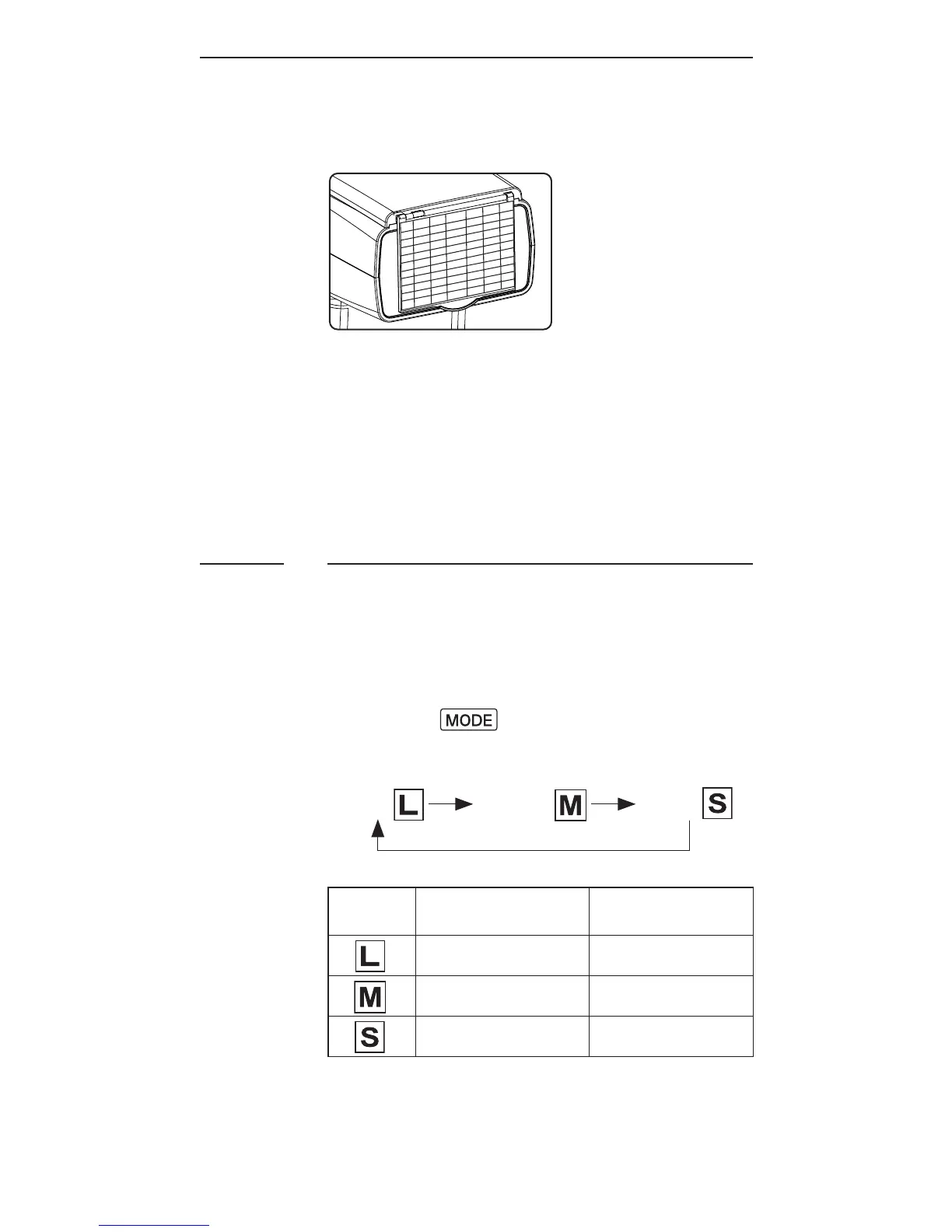
Using the Wide Angle Diffuser
1. Pull out the wide angle diffuser
andplaceitovertheashheadas
shown.Thebouncecardwillcome
o u t at t h es a m e ti m e.
2. Push the bounce card back in.
T h e a s hw il l illu m i n at e at 18 m m
coverage.
Choosing the Operating Mode
T h e r e a r et h r e eo p e r ati n g m o d e s i n
t h e R F 60,n a m el y L o ca l,M a st er, a n d
Sla v e. U p o ns w itc h i n g o nt h eR F 60,
press the button to choose the
a pp r o pr i at em o d e. T h em o d e i n d ic at o r
turnsinthefollowingsequence:
Local Master Slave
Modes
Where to place
the RF60?
With wireless
control?
oncamera X
oncamera √
offcamera √
7.6



 To Next Page