39
12. Personalizing the RF60
LCD Backlight
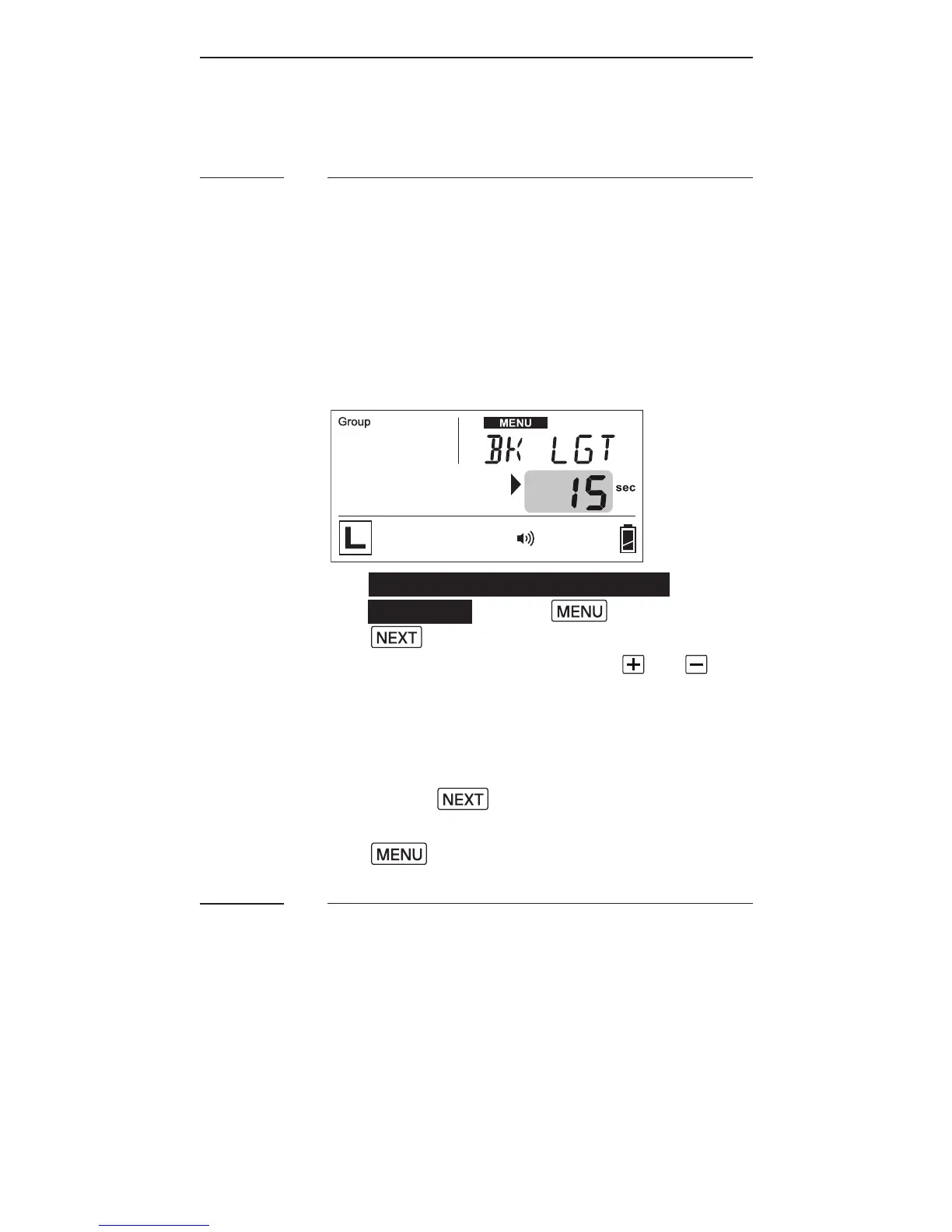
The LCD backlight of the RF60 turns
on whenever any button is pressed.
I n or d e r t oc o n se r v e e n e r g y, t h er e
is a ti m e r s etti n g t h ata ut o m atic a ll y
turns off the backlight.
1. T o c o n g u r et h e b a ck li g ht
duration, press ,a n dpr e s s
until the text area shows
<BK LGT>. Then use the or
b u tt o n s t oc ho o s e f r o m O F F, 5 s e c,
15s e c, or ON.
2. T h e o ptio n< O N> w ill i n str u ct t h e
LCD to be on constantly.
3. Press to co n r m a n d
c o n g u r e ot h er it e m s, o r p r e s s
t o c o n r m a n dle av e.
Sleep Timer
To conserve energy when you forget
t o s w it c h of f t h eR F 60 a f t e r u s e, t h e
sle ep ti m e r w ill sw it c h th eR F60 i nt o
sle ep m o d e af t e r a s p e ci e d p er io d.
12.1
12.2



 To Next Page