24
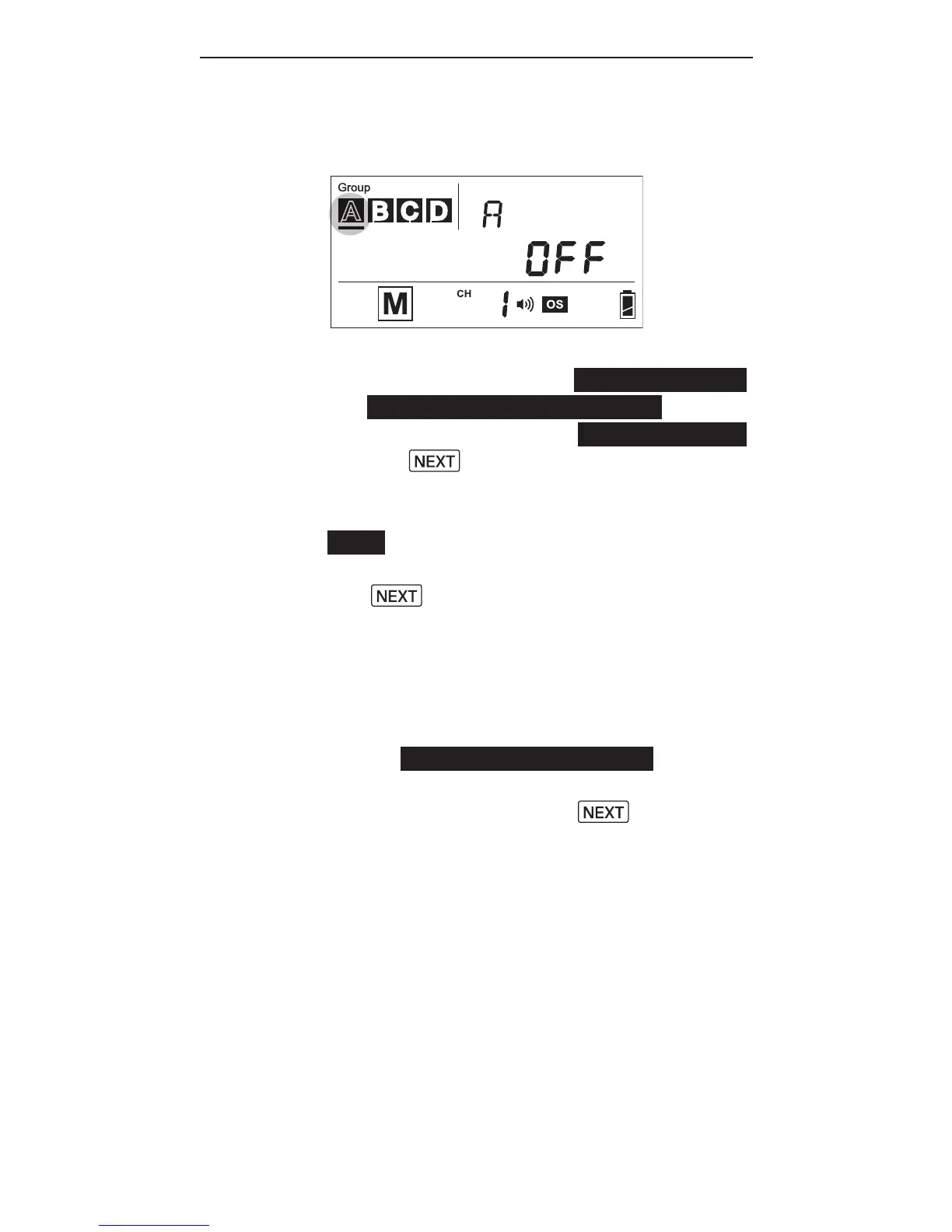
Turning on and off a Slave group
13. Ify o u w is ht ost o p r i n g a
particulargroup,turn the group
off by selecting the group (see
steps6and7)andpress and hold
the button. The screen will
show <OFF> in the center row.
Note: The RF60 Master can also be
turned off by pressing and holding
the button in the Master group.
Onceturnedoff,theRF60Masterwill
n ot r e, b ut it w il l sti l l c o m m a n d
t h e R F 60 Sl a v e s,c h a n g i n gt h ei r
s etti n g s a n d r i n gt h e ma cc o r d i n g l y.
14. To t u r n o na g r o u pa g a i n, select
t h e g r o u p (se e st e ps 6 a n d7) a n d
press and hold the button.
T h e p o w er le v el a n d z o o m le v el
last used for the group will be
shown in the center row again.
15. P r es s t h es h utt e r r ele a s e b u tt o n
o nt h ec a m er a a n dt h eR F60 M a st e r
a n d Sl av eu n its i n g r o u p s A,B, C,
or D w il l r e at t h ep o w er le v el
a n d z o o m le v el y o u h av e set i n t h e
R F60 M a st e r.



 To Next Page