21
9.2
Commanding with the RF60 Master
1.S et t h eo n- c a m e r aR F 60 t o m o d e
by pressing (se e Section
7.6).
2. Set the RF60 Master to the same
channel as the RF60 Slave units
(s e e S e ctio n7.7).
3. Check the group statuses on
the group panel. Only activated
g r o u p(s) w il l b es h o w n a s A, B,C,
or D boxes.
Changing parameters of the Master
flash
4. O n t h eR F 60 M a st er, y o uc a n
c h a n g et h ep o we r le vel a n dz o o m
le v el oft he M a st e r a s h
it s elf, a n dt h eR F 60 Sl av e a s h es
i ng r o u p s A, B, C, a n dD.
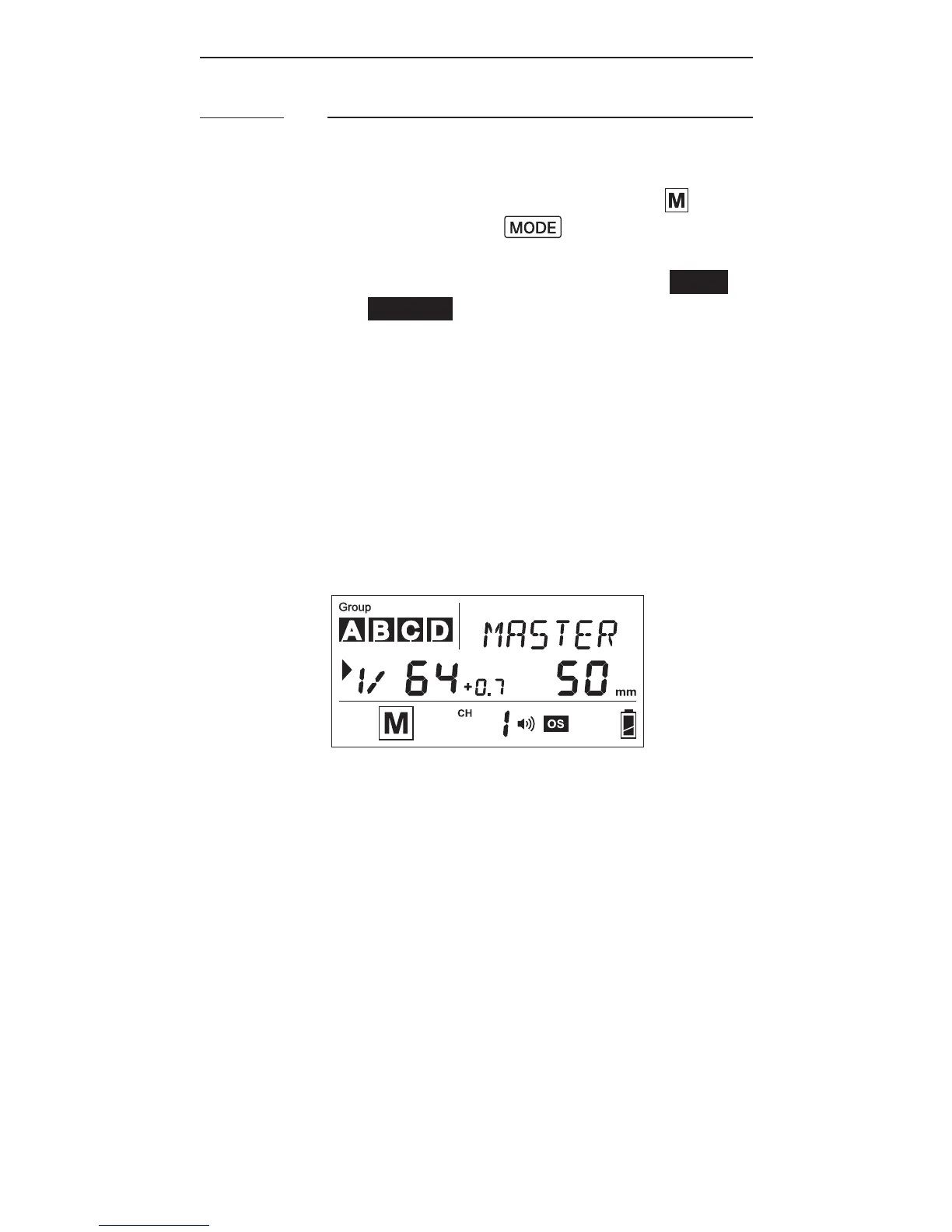
5.T h e d efa u lt g r o u p i s t h eM a st er
R F60.I nt h e d is pl a y, t h et e x t
areawillshow<MASTER>.Nogroup
is s ele ct e d i n t h eg r o u pp a n el,
though it still shows the group
activation status.



 To Next Page