30
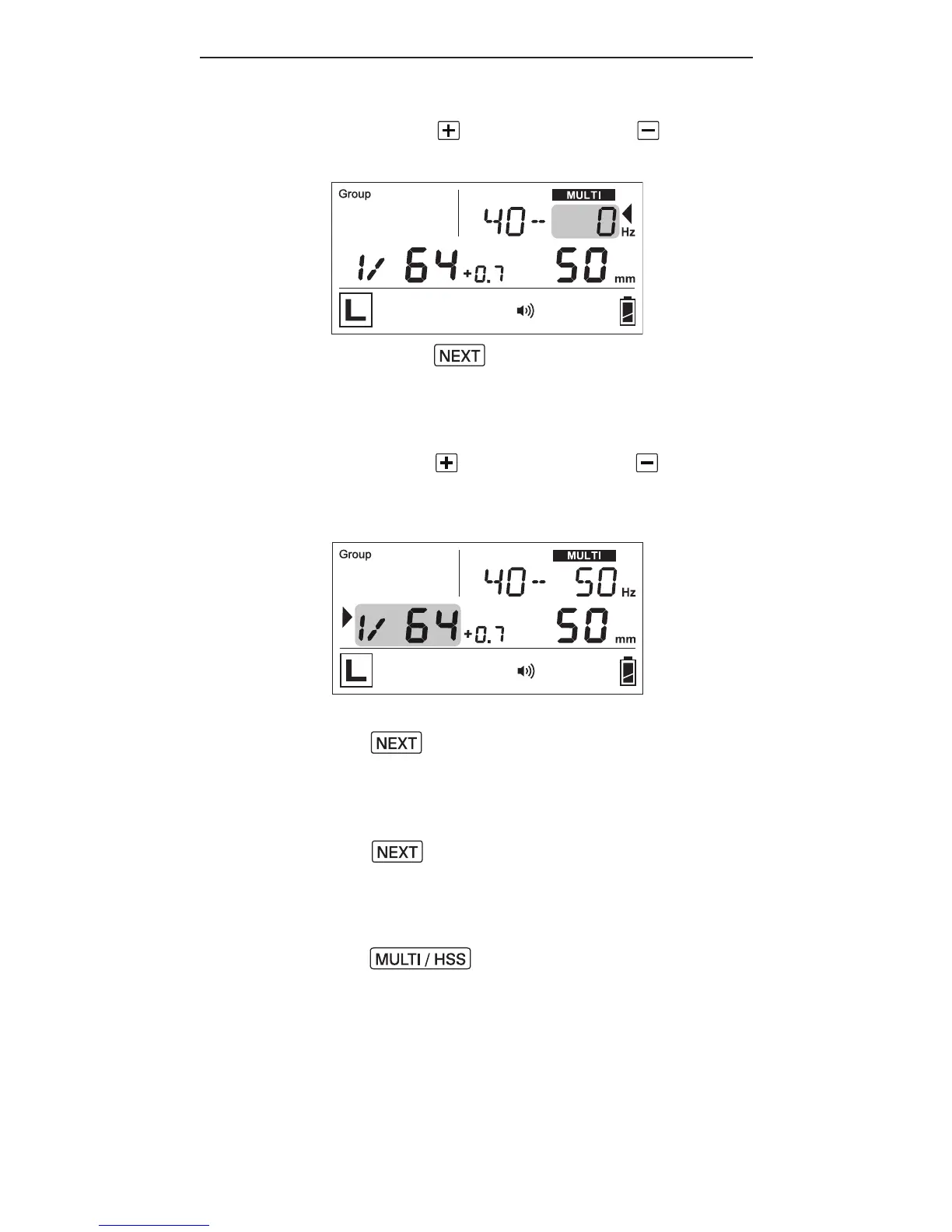
3. Press to increase or to
d e cr e a s e t h en u m b er of a s h es.
4. Pr ess until the selection
indicator ► points to the
f r e q u e n c y of a s h es(H z), i.e.,t h e
value after the hyphen.
5.P r e ss to increase or to
d e cr e a s e t h e a s h f r e q u e n c y p e r
second.
6.T oa d ju st t he p o wer le vel, pr e s s
until the selection
indicator ► points to the power
le v el (s e eS e ctio n8.1).
7.T oa d ju st t h ez o o m le v el, pr e ss
until the selection
indicator ►p oi nt s t ot h ez o o m
le v el (s e eS e ctio n8.2).
8.T oe xit M u lti m o d e, pr e ss
twice to return to the
m a i n s cr e e n.



 To Next Page