42
r e da q u ick a s h w it h a p o we r le vel
lower than the selected level.
*Both Fn1 and Fn3 are only available
for selection when the Quick Flash
h a s b e e n e n a ble d(s e eS e ctio n 12.3).
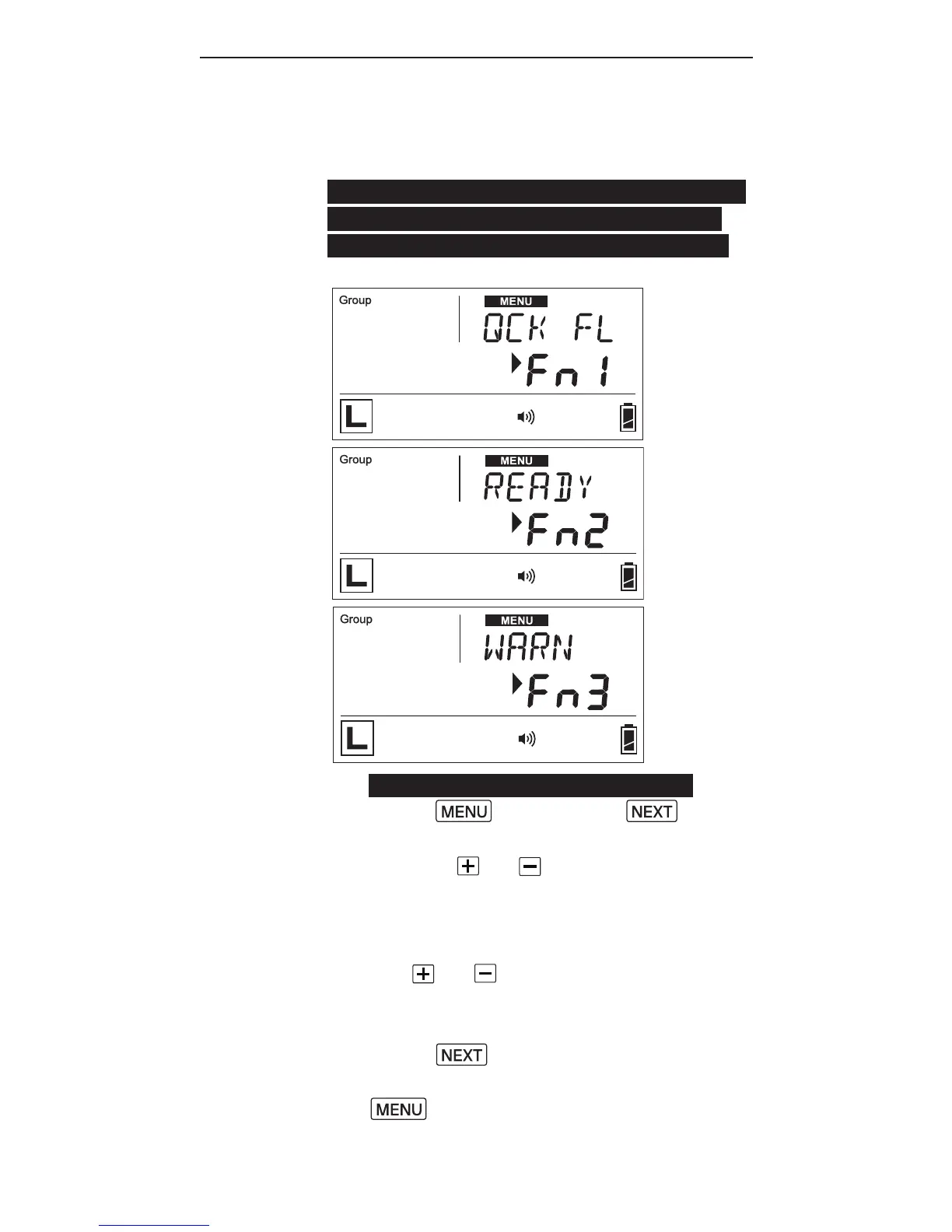
1. T o c o n g u r et h e b e e p o ptio n,
press , a n dp r e s s until
the text area shows <BEEP>. Then
use the or buttons to choose
f r o m OF F,F n 1(Q C K F L),
F n 2 (R E A DY)o r F n3 (WA R N).
2. When choosing the options with
the or b utt o n s, t h e
abbreviation for each option will
be shown in the text area.
3. Press to co n r m a n d
c o n g u r e ot h er it e m s, o r p r e s s
t o c o n r m a n dle av e.
4. The beep indicator will appear in
t h e st at u sb a r w h e n e ve r F n 1, F n 2,
or Fn3 is selected.



 To Next Page