29
3. Press and then turn the selection
dial to <FLASH SETUP>. Press .
4. Turn the selection dial to <START
LEARNING>. Press again.
5. Choose the correct ash system.
Press .
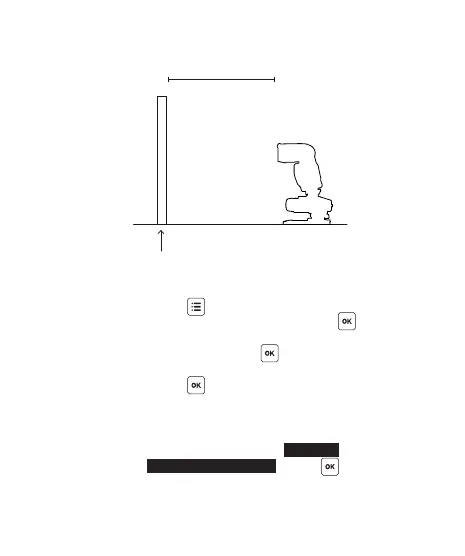
6. The LCD screen will show <SET FLASH TO
T T L M O D E >, w it h t h e o p t i o n <G O> b ei n g
selected.
7. Set your ash to the TTL mode and the
maximum zoom level. Press .
1M
WHITE SURFACE
FLASH
V6 RX



 To Next Page