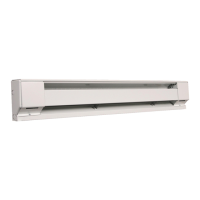
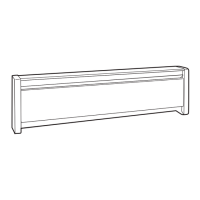
How to operate your heater
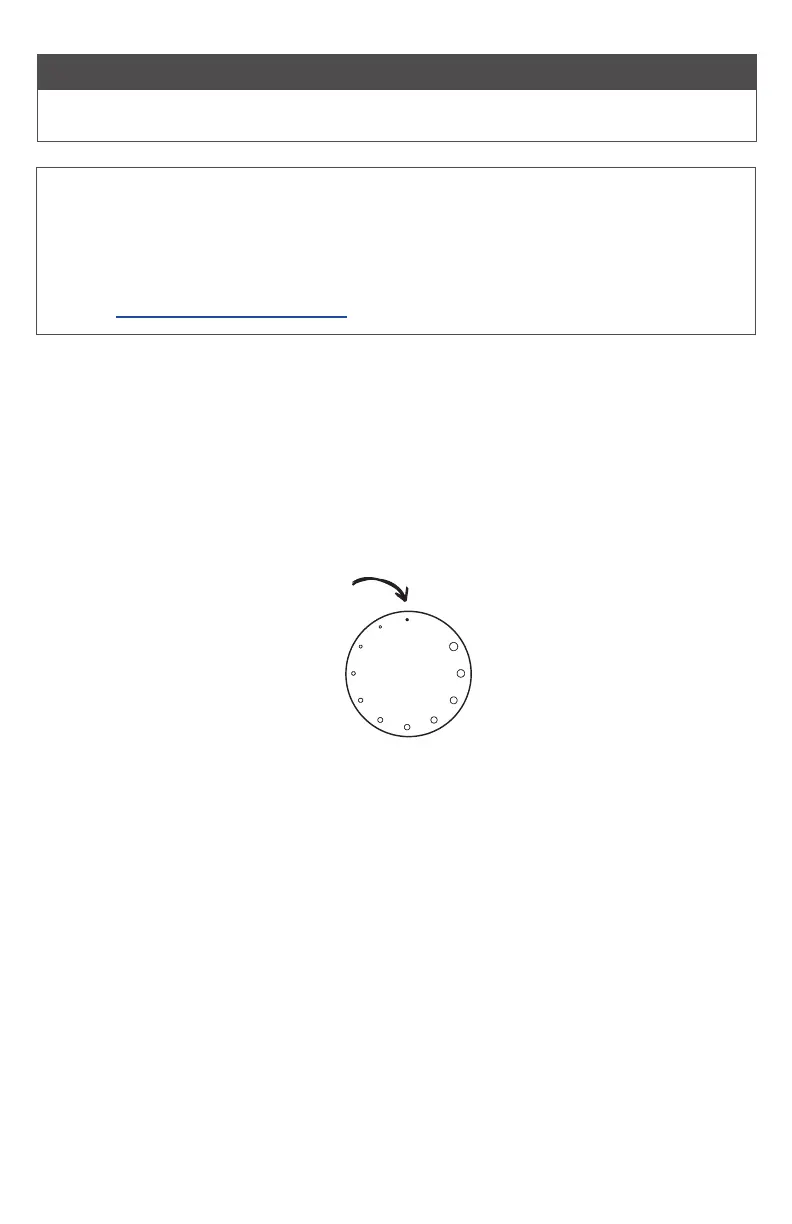
The room temperature is controlled by the thermostat on the heater. Simply plug it in and follow the
steps below to adjust the temperature to your comfort level.
1. Turn the thermostat knob all the way to the right.
2. When the room reaches your comfort level, turn the knob to the left, just until it clicks. The heater
will automatically keep the room temperature around this setting.
3. To reduce the room temperature, turn the knob to the left. To increase the room temperature, turn
the knob to the right.
The larger dots indicate a higher temperature setting. The smallest dot is an OFF position.
OPERATING INSTRUCTIONS
4
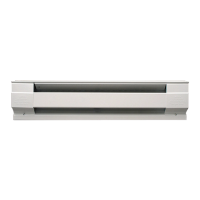
Your portable electric baseboard comes with a built-in high-temperature safety shuto that stops
electricity owing to the heater if it gets too hot inside. This automatically resets after cooling.
Your heater also includes a safety tip-over switch that disconnects power if it falls over, and resets as
soon as the heater is standing up again.
After placing your heater on the oor, plug it in, turn it to the highest setting and allow it to run for at
least 30 minutes. If your room doesn’t get warmer, please contact us.
PLEASE NOTE: On initial start-up, some smoking may occur as the element initially burns o residue
from manufacturing. It typically goes away within several hours. If it persists, turn your heater o,
unplug it and contact customer service
855.223.3887 (from US) or 800.668.6663 (from Canada)
cadetheat.com/customer-service
1. Do not tamper with the high-
temperature safety shuto.
2. Do not operate without the feet
attached.
OFF


 To Next Page