ENGLISH 7
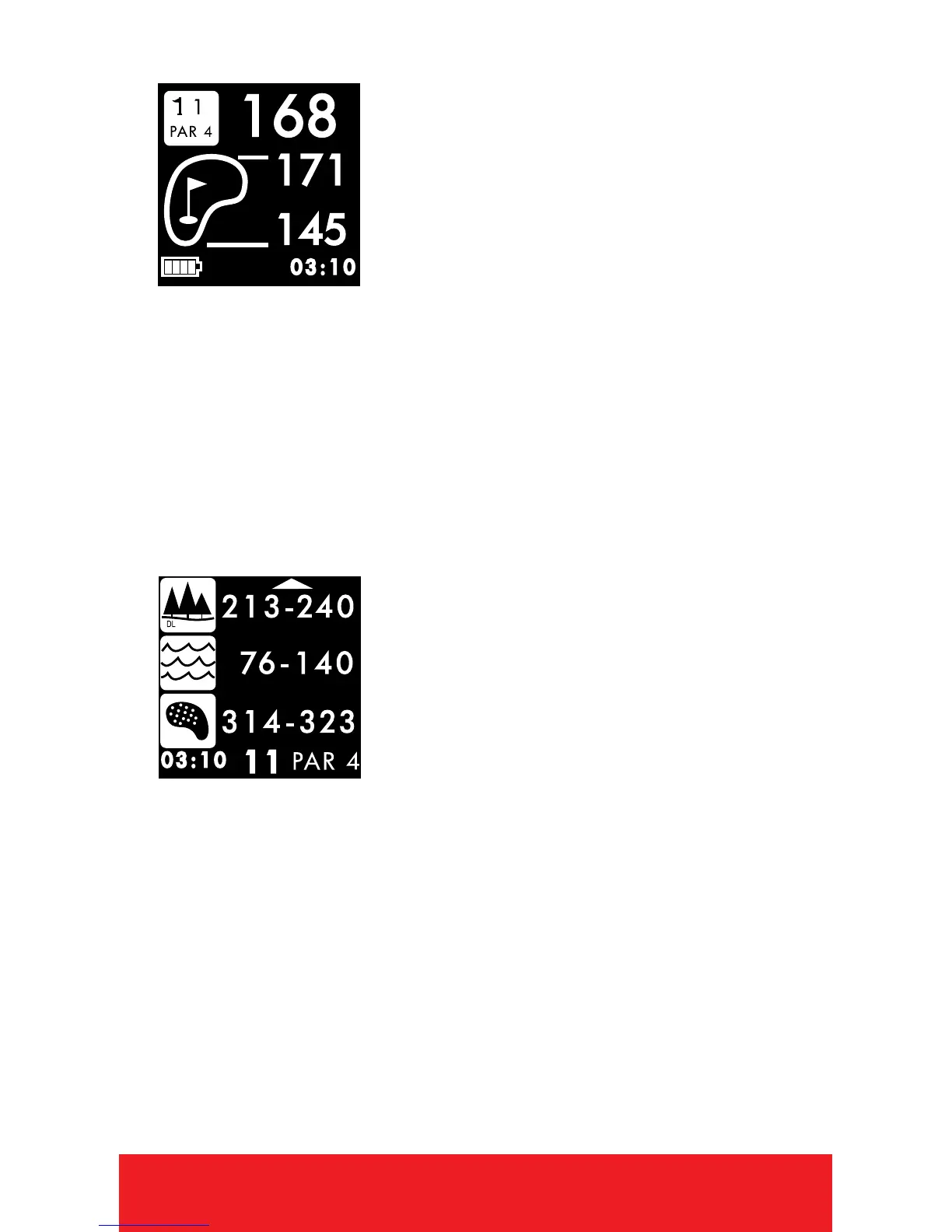
PLAY MODE
1. PRESS
[
OK
]
button to toggle between
Hazard, Scorecard, and
Shot Distance Screens.
2. To exit Play Mode at any time,
HOLD
[
OK
]
button.
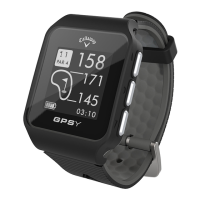
HAZARD VIEW
Note: If no hazards are
present, screen will be blank.
1. PRESS
[
OK
]
button to access the
Hazard Screen.
2. Only 3 hazards will show at a time. If a hole
has more than 3 hazards, scroll by using
[
UP/DOWN
]
buttons. (Hazards that are
behind you will not be displayed).
3. To exit, PRESS
[
OK
]
button to view
Scorecard, Shot Distance (if enabled),
or return to Play Mode.


 To Next Page