® SECTION 5: WEATHER
making
since 1986
ater work
If YES is selected the screen will change to read:
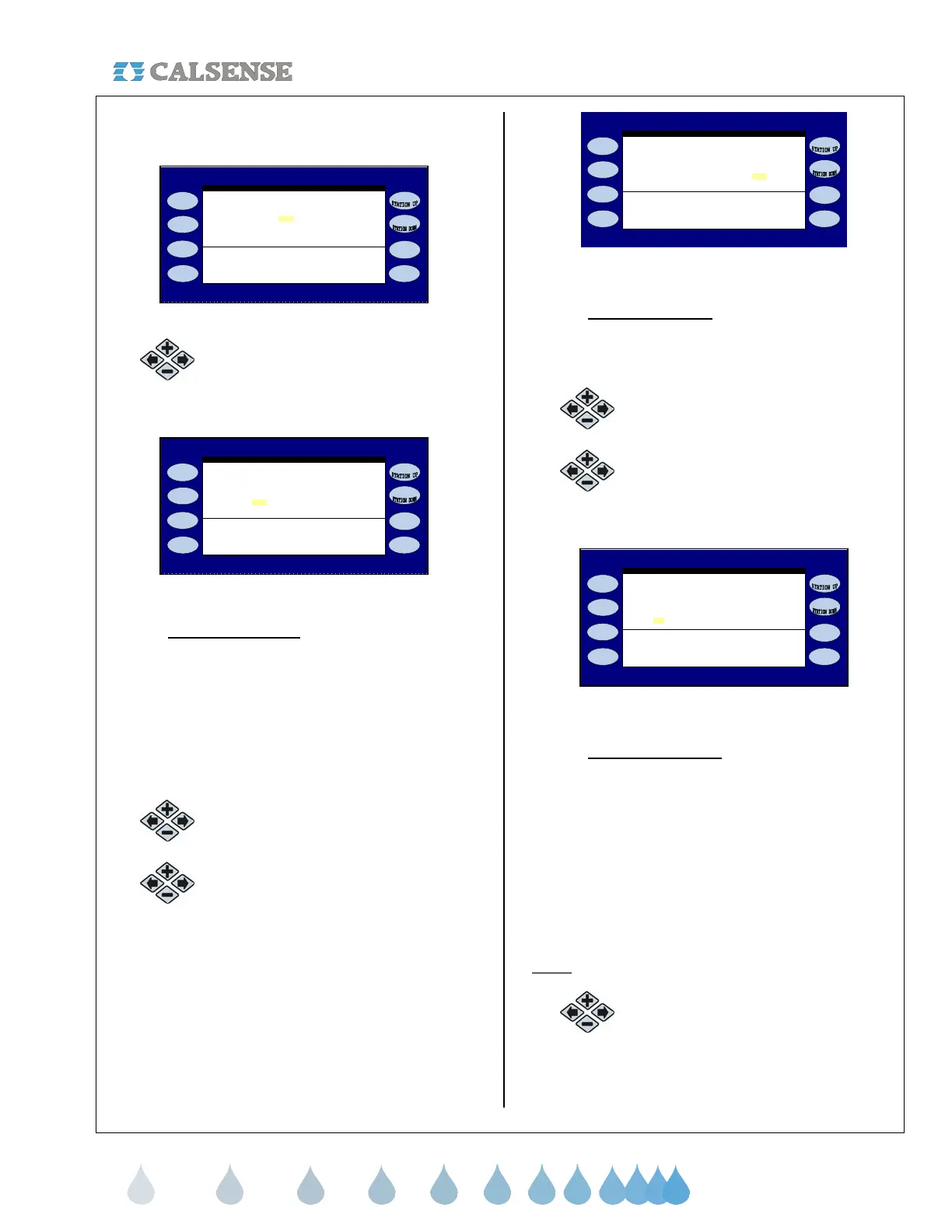
(Figure 5.5).
Irrigation Day is from 8:00PM to 8:00PM
Is there an ET Gage? YES
ET GAGE
Log Pulses? NO Gage is 99% full
GAGE=.00 inches Skip tonight? YES
Figure 5.5
6.
Press the blue ARROW keys to
move the cursor to the LOG
PULSES? entry (Figure 5.6).
Irrigation Day is from 8:00PM to 8:00PM
Is there an ET Gage? YES
Lo
Pulses? NO Ga
e is 99% full
GAGE=.00 inches Skip tonight? YES
ET GAGE
Figure 5.6
• Log Each Pulse?:
The default is set to NO.
Changing to the YES setting gives you the
option of keeping a record of each ET Gage
pulse sent to the controller. This information
is located in the Alerts. This is helpful when
first setting up the ET Gage to make sure
that it is working properly, but can be set to
NO after you have verified the ET Gage is
working properly.
7.
Press the PLUS or MINUS keys to
change the setting.
8.
Press the blue ARROW keys to
move the cursor to the GAGE IS 99%
FULL setting (Figure 5.7).
Irri
ation Da
is from 8:00PM to 8:00PM
Is there an ET Ga
e? YES
Log Pulses? NO Gage is 99% full
GAGE=.00 inches Skip tonight? YES
ET GAGE
Figure 5.7
• Gage is 99% full:
The percent full counter is
used to reset the counter after the ET Gage
has been refilled during periodic
maintenance.
9. Press the PLUS or MINUS keys to
change the setting.
10.
Press the blue ARROW keys to
move the cursor to the GAGE=.00
INCHES setting (Figure 5.8).
Irrigation Day is from 8:00PM to 8:00PM
Is there an ET Gage? YES
Log Pulses? NO Gage is 99% full
GAGE=.00 inches Skip tonight? YES
ET GAGE
Figure 5.8
• GAGE=.00 inches
: This option allows you
to edit the amount of inches of Measured
ET. Some of the reasons for editing this
number:
o Servicing the ET gage and removing
erroneous logged pulses.
o Gage temporarily not working and a
need to log pulses for that day.
o Editing number up or down due to
specific circumstances.
Note:
Daily pulses show at this location.
11.
Press the PLUS or MINUS keys to
change the setting.



 To Next Page