® SECTION 6: REPORTS
making
since 1986
ater work
6H. LIVE SCREENS
This section of the controller allows you to view:
• Current Irrigation activity.
• Current Irrigation Details.
• Current Real-Time flow.
• Current Real-Time POC information.
From the REPORTS menu screen (Figure 6.2).
1.
Press the LIVE SCREENS Menu
key.
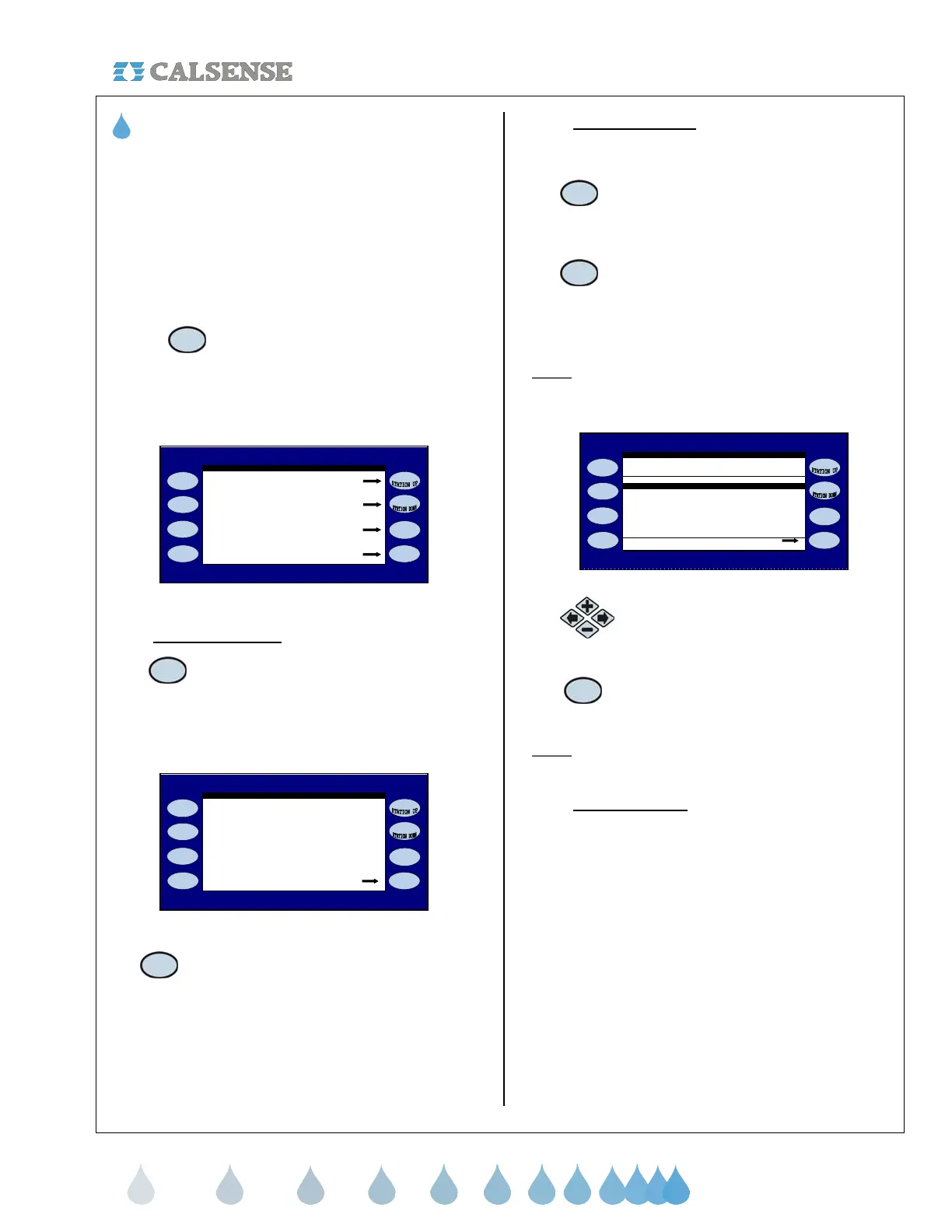
The REAL-TIME DISPLAYS screen is displayed
(Figure 6.13).
Real - Time POC Flow
Real - Time Flow
Irrigation Details
REAL - TIME DISPLAYS
Irrigation Activit
Figure 6.13
6H.1 Irrigation Activity
1. Press the IRRIGATION
ACTIVITY Menu key.
The IRRIGATION ACTIVITY screen is displayed
(Figure 6.14).
24 is the Expected Flow
Details
24 GPM 0.03 AMPS
Manually Watering (mv open-pump off)
3.4 Min of 4.0 Min Cycle
IRRIGATION ACTIVITY
Figure 6.14
2. Press the DETAILS Menu key
to access the IRRIGATION
DETAILS screen
(Figure 6.15).
6H.2 Irrigation Details
From the REPORTS menu screen (Figure 6.2):
1. Press the LIVE SCREENS Menu
key to access the REAL-TIME
DISPLAYS screen (Figure 6.13)
2. Press the DETAILS Menu key
to access the IRRIGATION
DETAILS screen
(Figure 6.15).
Note:
From here you can view the IRRIGATION
DETAILS screen for each station currently irrigating,
testing, manually watering, waiting, or soaking.
IRRIGATION DETAILS
STN REASON HOLD TOTAL SOAK CYCLE
1 MAN 0.0 0.0 0.0 3.6 ON
Clear Station
Figure 6.15
3.
Press the PLUS or MINUS keys
to highlight the station that you
want to clear.
4.
Press the CLEAR Menu key to clear
the highlighted station (Figure 6.16).
Note: Clearing a station will cease the operation for
that station delegated on that particular line entry.
6H.3 Real-Time Flow
Real time flow allows the user to view the following:
• System flow rate
• Average flow rates
• Expected flow rate
• Flow meters attached to each controller in
the chain and the rate at which it is currently
flowing
• Whether the system is stable or unstable
• Master Valve is open or closed
• The number of valves that are currently on
• Number of controllers in the chain
From the REPORTS menu screen (Figure 6.2):



 To Next Page