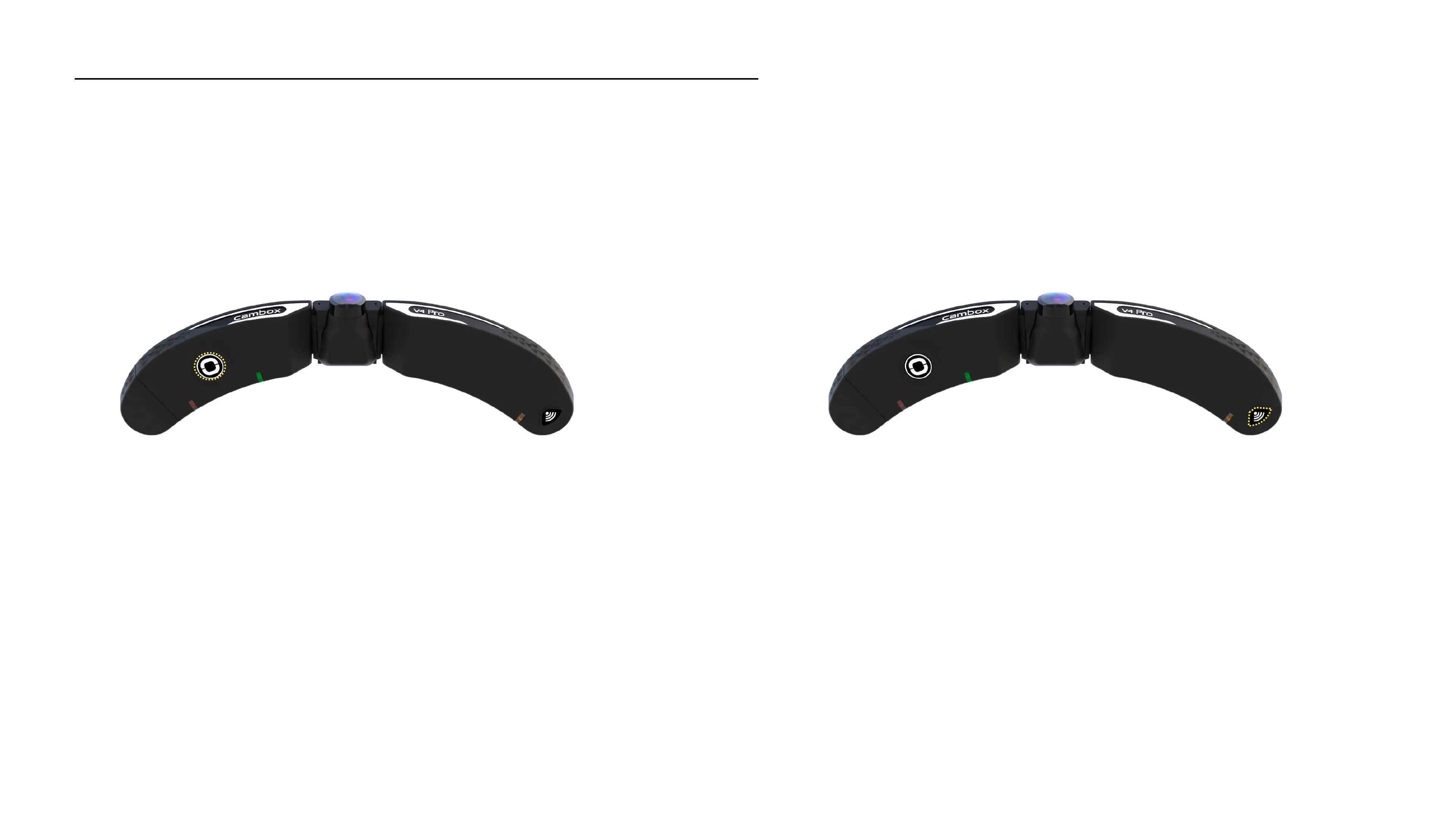
1. Turn on the Cambox 2. Activate the wifi of the Cambox
Activate the wifi of your Cambox
Push briefly the camera Wifi button. The Wifi LED then
flashes orange.
Press 1 second the On/Off button of your camera. Once the
Power LED starts blinking green, press briefly the On/Off
button again to pause the camera. The Power LED turns solid
red.
17



 To Next Page