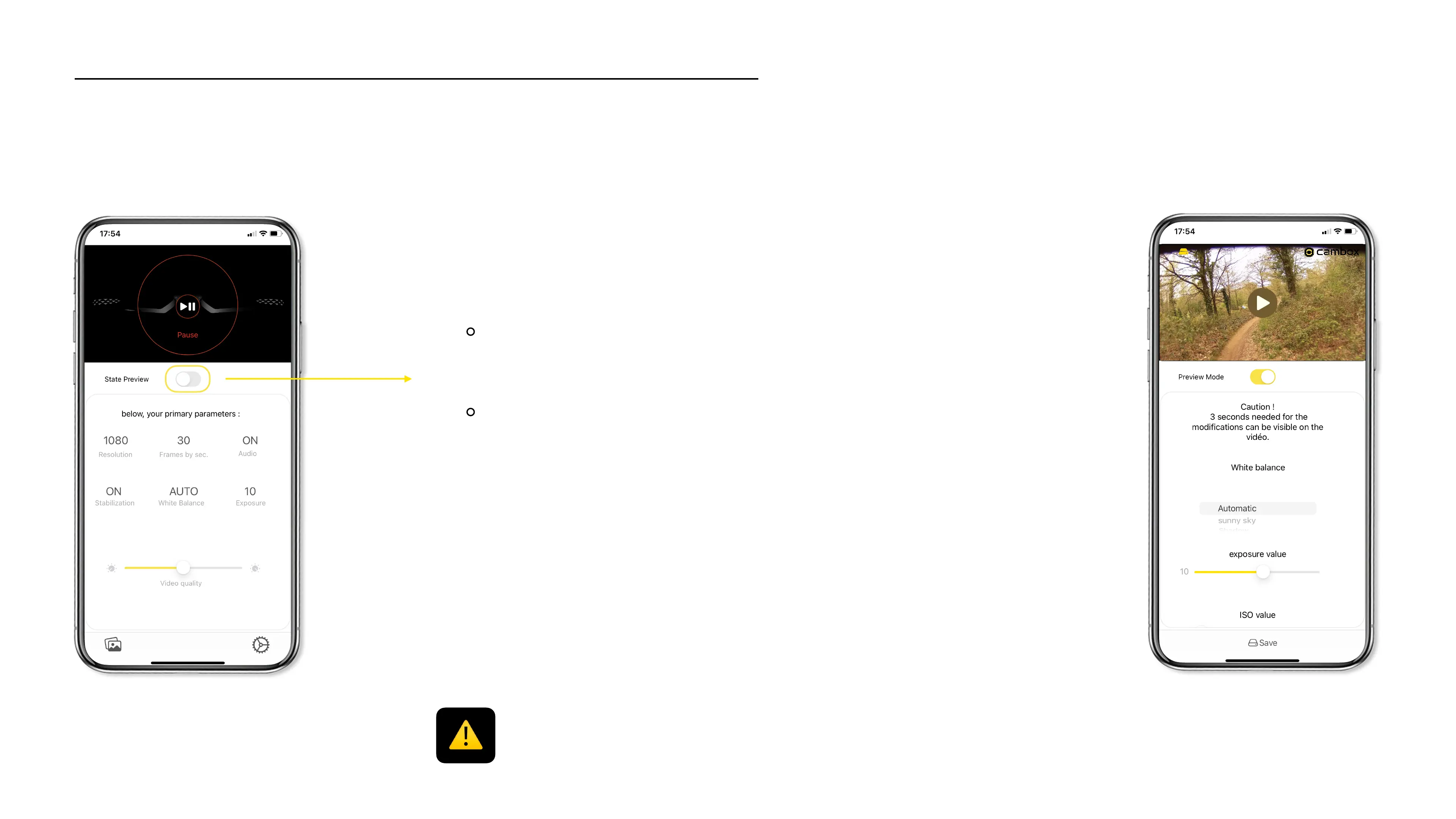
The preview mode allows you to visualize in real time your new videos
settings (brightness, saturation, white balance…) and to adjust your
viewing angle.!
To enable Preview mode, slide the button to the right!
The Cambox® power LED will turn solid blue, and then flashing blue to indicate that
video stream is on …
To disable this mode, slide the same button to the left.!
The Cambox® power LED will turn solid red, to indicate that the camera is now
ready to start a new video recording.
Preview mode activation
Once the preview mode is enabled, it is not possible to record a video at the same time.
Some modes, settings and options presented are not available on all our models.
20



 To Next Page