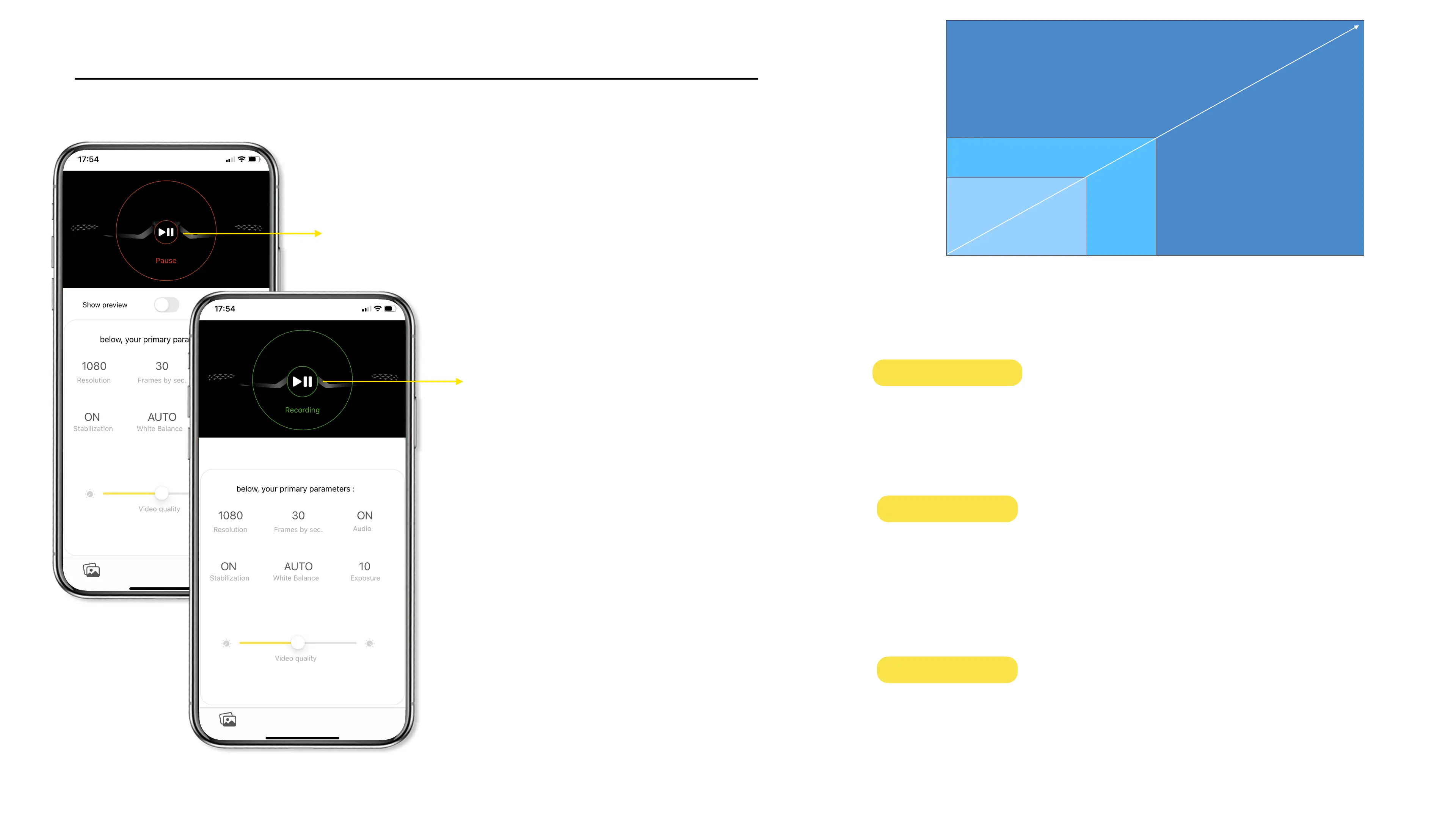
To start a video record from
the Cambox, press the red
button.
Once video recording is
activated, the button turns
green. To stop the video, press
the green button.
Launch a video record
* availability depending on the model
This mode is the most powerful but also the
most battery consuming mode. To fully enjoy
this mode, you need to have modern devices
(TV, laptop, internet) compatible with this
mode.
This mode is the most frequently used
nowadays. It offers a great compromise
between video quality and file size, perfectly
adapted to TV, laptop and social media.
This mode allows you to record videos with
sufficient quality and offering an increased
video autonomy.
21



 To Next Page