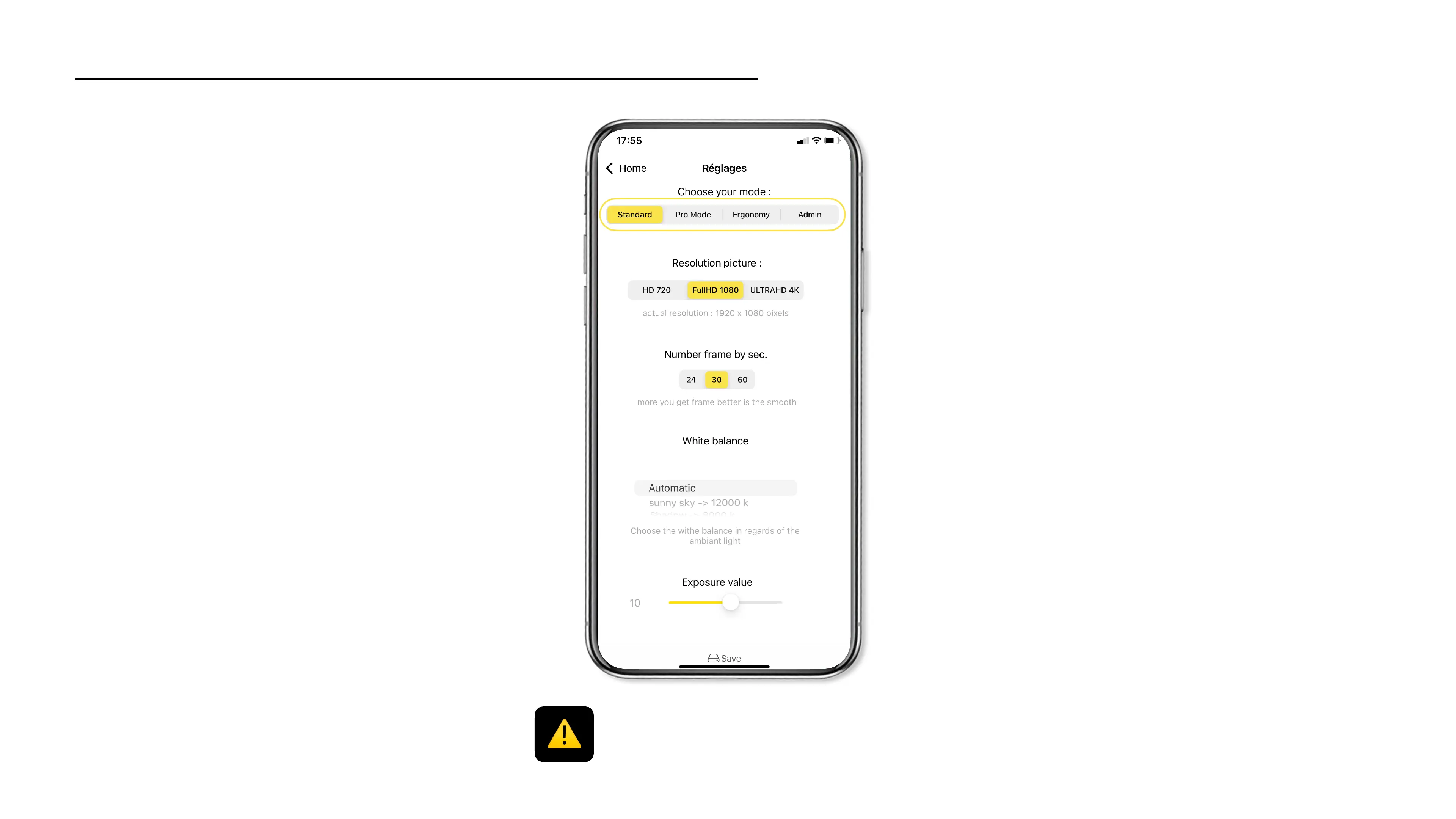
Standard mode
Quickly change your camera settings.!
(Resolution, Frames per second,…)
Pro Mode*
Access the advanced settings of the Cambox V4 Pro
(ISO, Saturation, Contrasts,…)
Ergonomics
Enable the auto recording mode, manage the camera
LEDs brightness.
Admin
Access the admin interface of your Cambox to know
the versions, change the wifi name or password,
restore the factory settings, etc …
Settings of your Cambox
* The Pro mode features are only available on the Cambox V4
Pro models.
23



 To Next Page