Functionalities
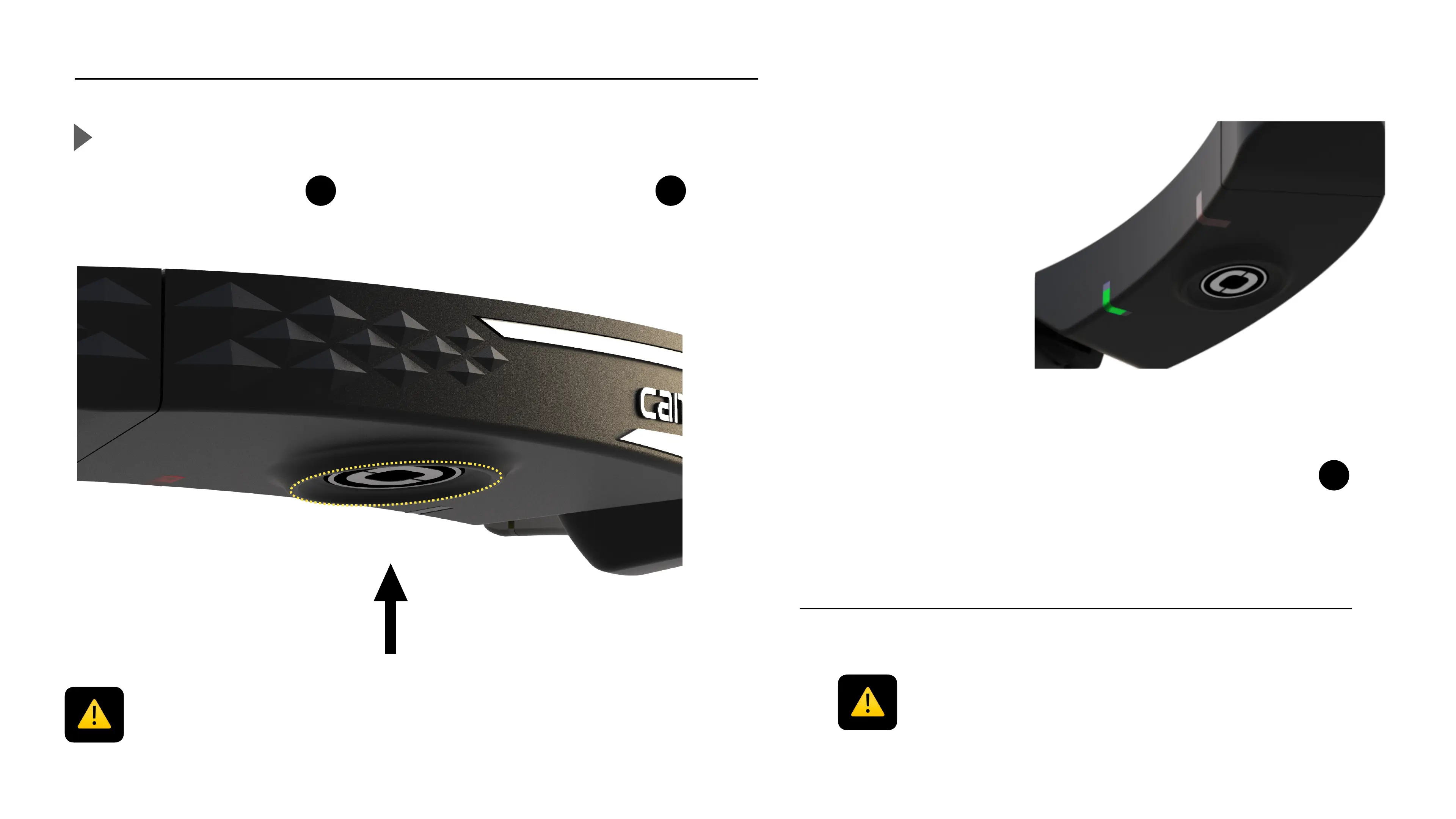
Power on / Start the camera
Push the ON/OFF button for 1 second, the camera status LED
will turn solid white.
By default, «!auto record mode!» is activated, the camera
automatically starts recording when you turn it on.
When the Cambox is recording the camera status LED
is blinking green and you hear 2 vibrations.
Before using your Cambox, be sure to check the following points :
1) Is the battery fully charged ?
2) Is there enough free space on your micro SD card ?"
3) Is the SD slot/USB-C port is well closed ?
8
Before inserting the SD card in the SD slot, make sure the slot is clean or you
might damage it.



 To Next Page