Functionalities
Pause
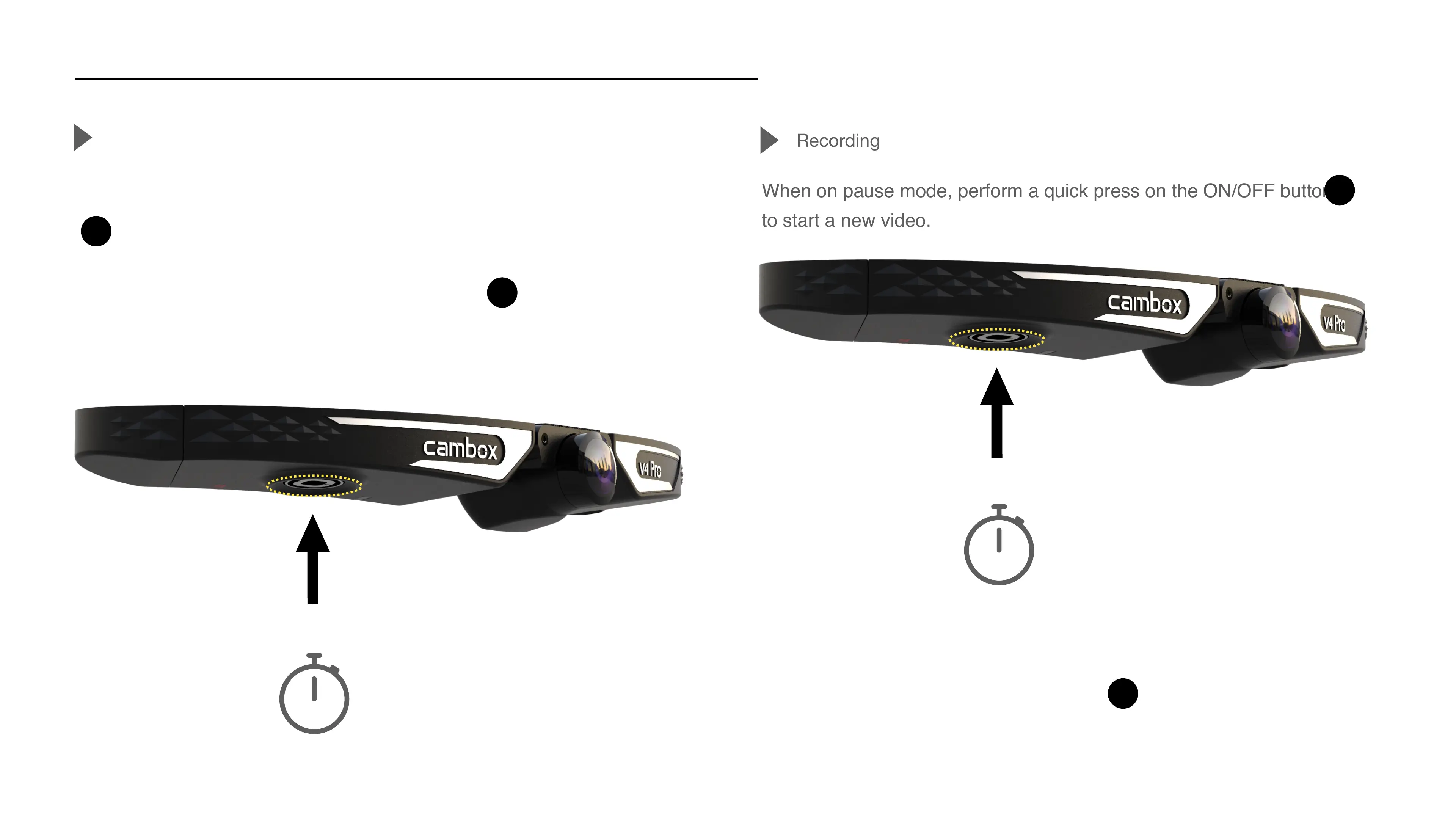
To stop recording, perform a quick press on the ON/OFF power button
of your camera to switch to pause mode.
The camera emits a short vibration and the LED changes from
blinking green to solid red, confirming the camera has stopped recording.
The camera is now on pause.
Perform a quick press
When on pause mode, perform a quick press on the ON/OFF button
to start a new video.
Recording
Perform a quick press
The camera vibrates twice and the LED changes from solid red to
blinking green, confirming that recording has resumed.
9
1/2 second
1/2 second



 To Next Page