11
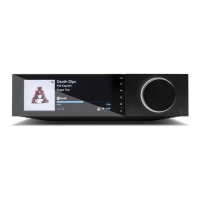
Balanced audio connections (Evo 150 only)
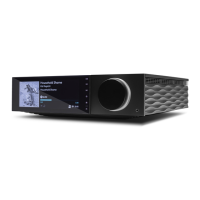
The diagram below shows how to connect the Evo 150 using the Balanced Audio inputs.
USB audio connection (Evo 150 only)
Important note: Before setting up your Evo 150 for the first time, please make sure that the USB Audio connection is unplugged. USB Audio can
be re-connected once any firmware updates are applied.


 To Next Page