3
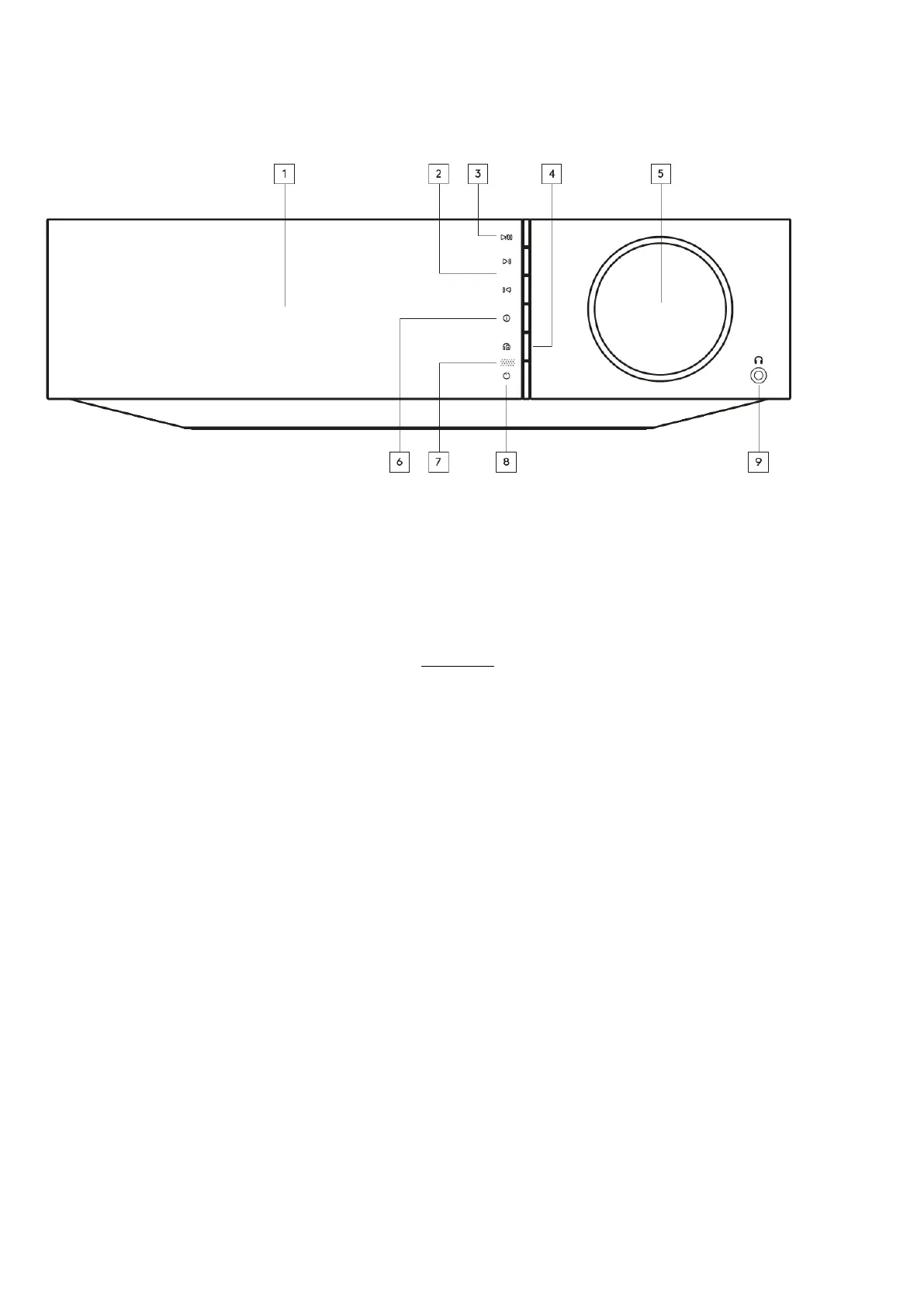
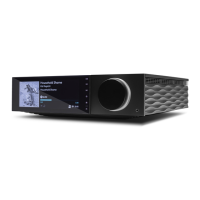
1. Display
2. Skip
3. Play/Pause
4. Speaker output
Press this button to choose a different speaker output from the menu. Use the source selector knob to select the speaker output between speaker
A, speaker B, speaker A+B, headphone and Bluetooth devices.
Note: Speaker A, speaker B and speaker A+B are available on the Evo 150 only.
5. Volume/Source selector
To change the volume, rotate the front part.
To select a source, rotate the back part.
6. Info
During playback, pressing this button will cycle through ‘Now Playing’ screens. Press and hold to display the product info.
7. IR sensor
8. Standby/On
9. Headphones
For suitable headphones – connection will automatically mute the speaker output and the pre-out.
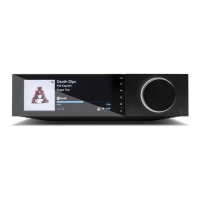
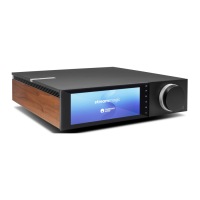
Evo display
Last updated: May 12, 2021 10:50. Revision #1574
evo all one player / evo display


 To Next Page