17
Your player will now switch its audio output to playback on your Bluetooth device.
Once paired your Bluetooth device will be remembered by your player.
To switch audio output to a Bluetooth device
Make sure your Bluetooth device is switched on and ready to connect.
either:
Open the StreamMagic app.1.
Tap Select Output on the Home page.2.
Choose your Bluetooth device.3.
or
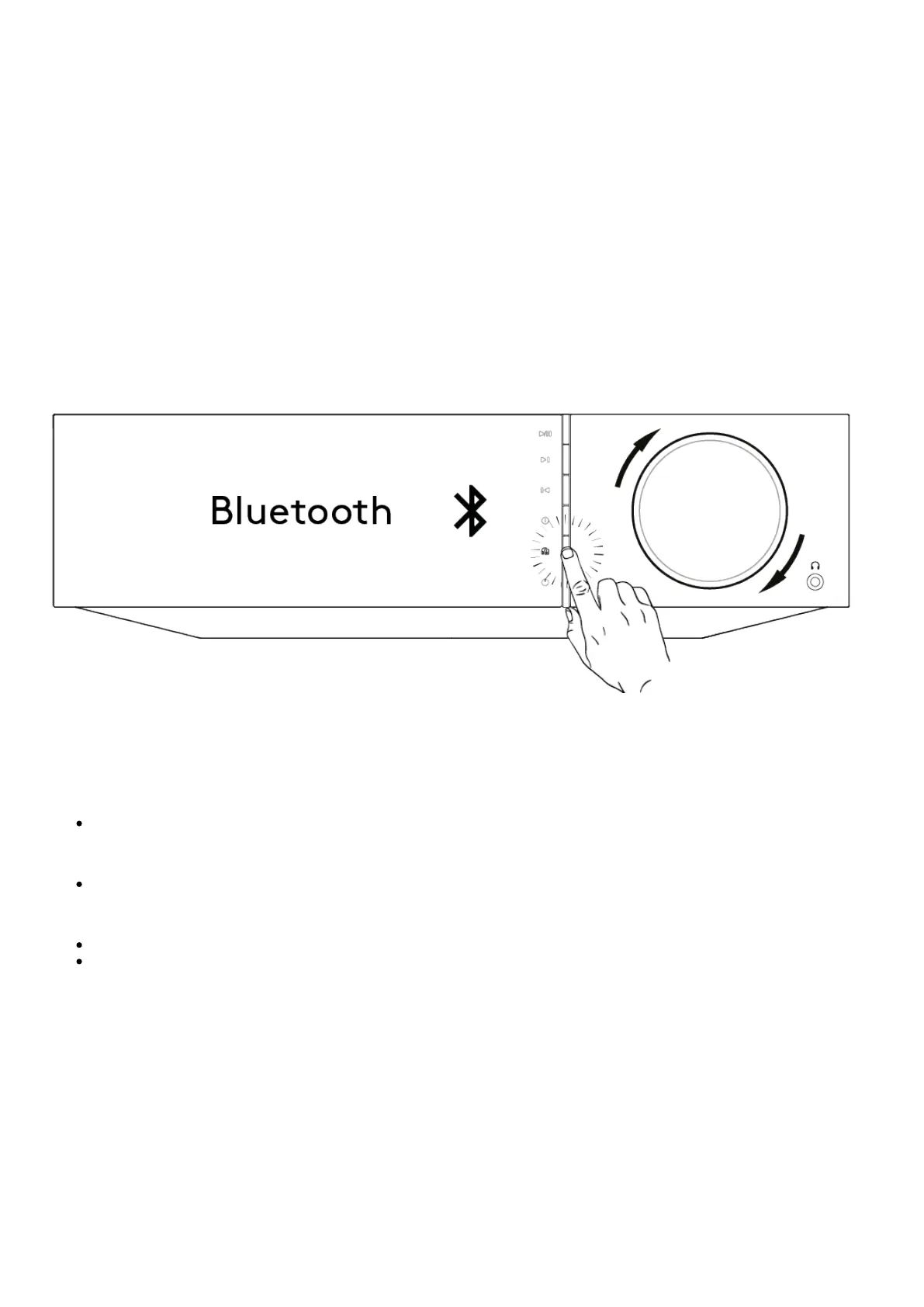
Press the Output select button on the remote or front panel.1.
Choose your Bluetooth device from the list.2.
To switch audio away from the Bluetooth device
either:
Switch off or disconnect your Bluetooth device.
or
Choose a different output from either the StreamMagic app or by pressing the output select button on the remote or front panel.
Notes:
Audio cannot be output to a Bluetooth device if the Bluetooth source is currently selected.
Please use the volume controls on your Bluetooth headphones.


 To Next Page