entroview+ user guide
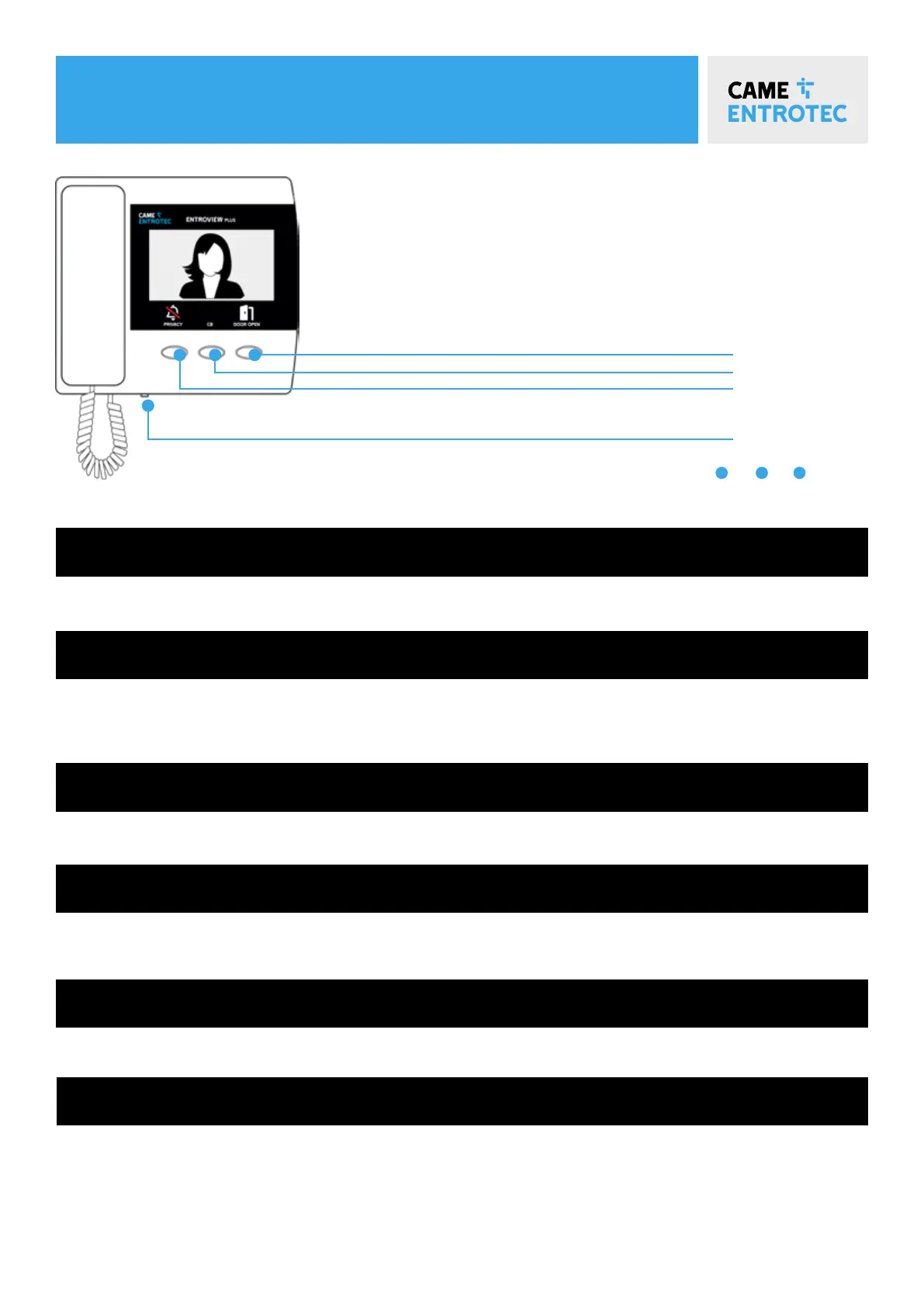
To let the caller gain access, press Unlock.
Replace the handset to complete the call.
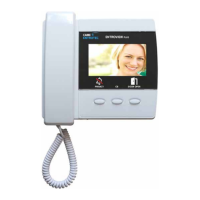
Press the Privacy button or Adjust the ringer volume with the slider.
Concierge Button / Call Back / Camera Switch Button if applicable.
If you do not wish to be disturbed, press Privacy. The button will illuminate and the ringer is silenced. Press the
button again to turn the ringer back on.
Lift the handset to answer an incoming call. The video monitor will display for the length of the call.
Cat 5e / Cat 6 / CW1308 6 Pair Minimum.
This does not allow for redundant cables. If this is a requirement then the installer must allow for this during
installation.
10 Pair CW1308 recommended for cable runs exceeding 70 metres.
Any unused cores to be tied to system 0v.
When someone calls
cable specification
While on a call
Silence a call
Cb button
keep it quiet
CB
Privacy
Unlock
Adjust
Low Med Hi


 To Next Page