p. 22 - Manual FA01313-EN - 02/2019 - © CAME S.p.A. - The contents of this manual may change, at any time, and without notice. - Original instructions
PROGRAMMING
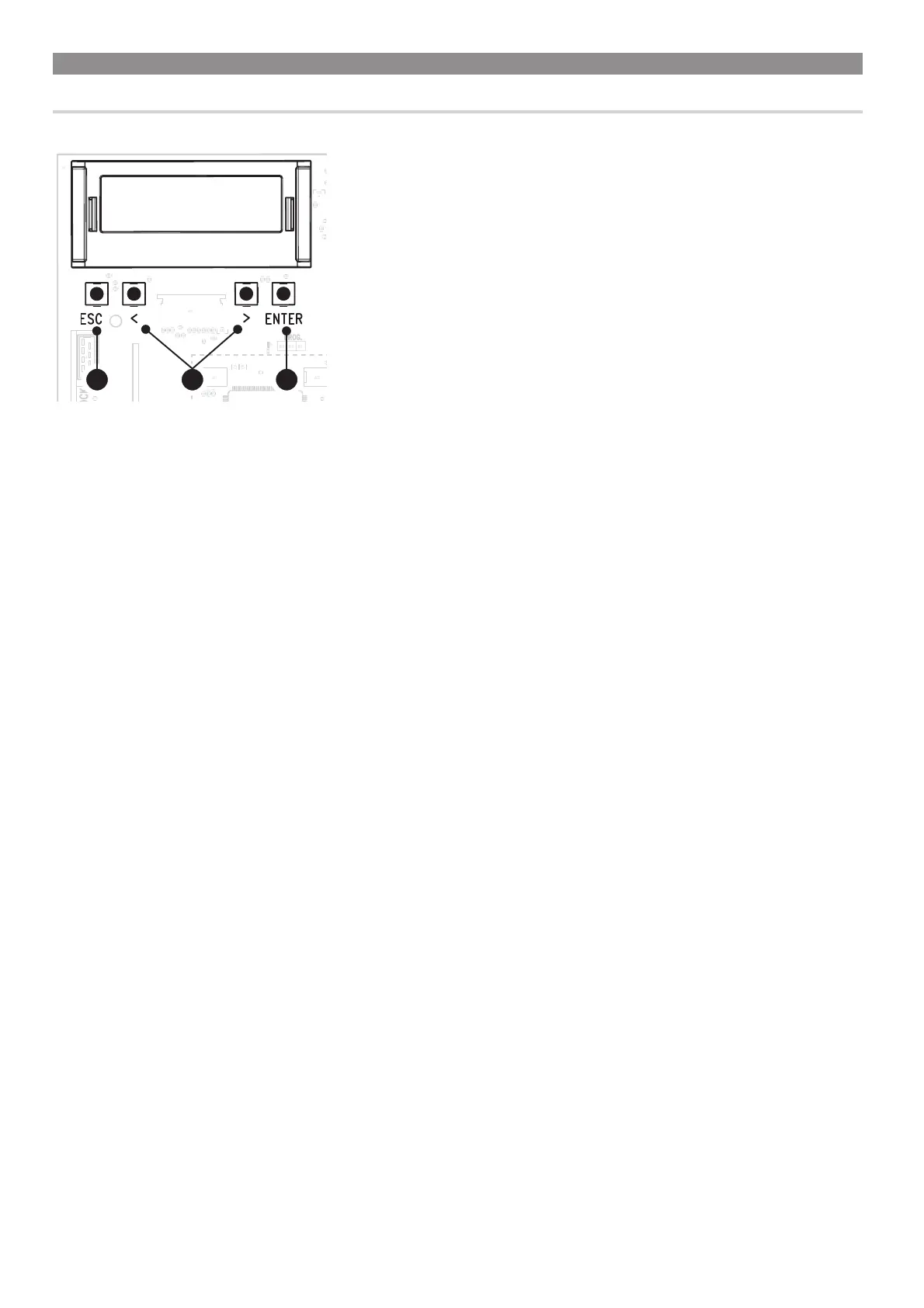
Function of the programming buttons
321
1 ESC button
The ESC key is used to perform the operations described below.
Exiting the menu
Delete the changes
Return to the previous screen
Stop the operator
2 < > buttons
The <> keys are used to perform the operations described below.
Navigate through the menu items
Increasing or decreasing values
Close or open the operator
3 ENTER button
The ENTER key is used to perform the operations described below.
Accessing menus
Confirm the choice



 To Next Page
 Loading...