MAINTENANCE
Reboot device
Restart application
Restore default settings
❶
❷
❸
Page 11 - Manual FA 0148 2- EN - 10/2020 - © CAME S.p.A. - The contents of this manual may be changed, at any time, and without notice. - Translation of the original instructions
Device maintenance
❶ Tap to restart the device.
❷ Tap to restart the graphic user interface and the video-entry call functions.
❸ Tap to restore all local settings to the default factory settings.
CONFIGURATION AND COMMISSIONING VIA THE WEB INTERFACE
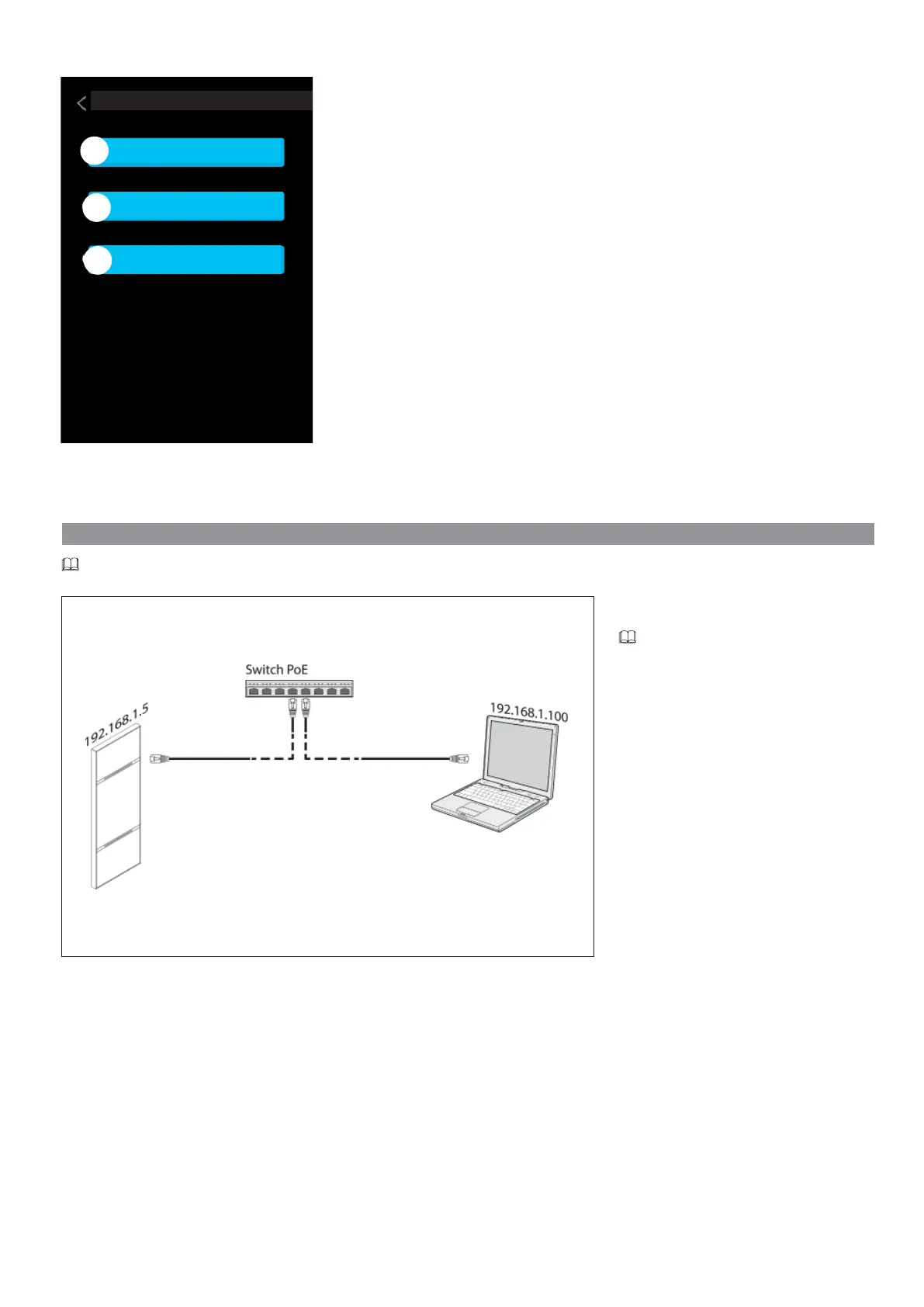
Once the device has been installed, the functions for the device to operate correctly need to be programmed.
Assign an address belonging to the same subnet as
the device to your PC (tablet, smartphone).
The default IP address is 192.168.1.5 with
netmask 255.255.255.0.
Dispositivo alimentato da switch PoE



 To Next Page
 Loading...