Save
User Interface Configuration
Save
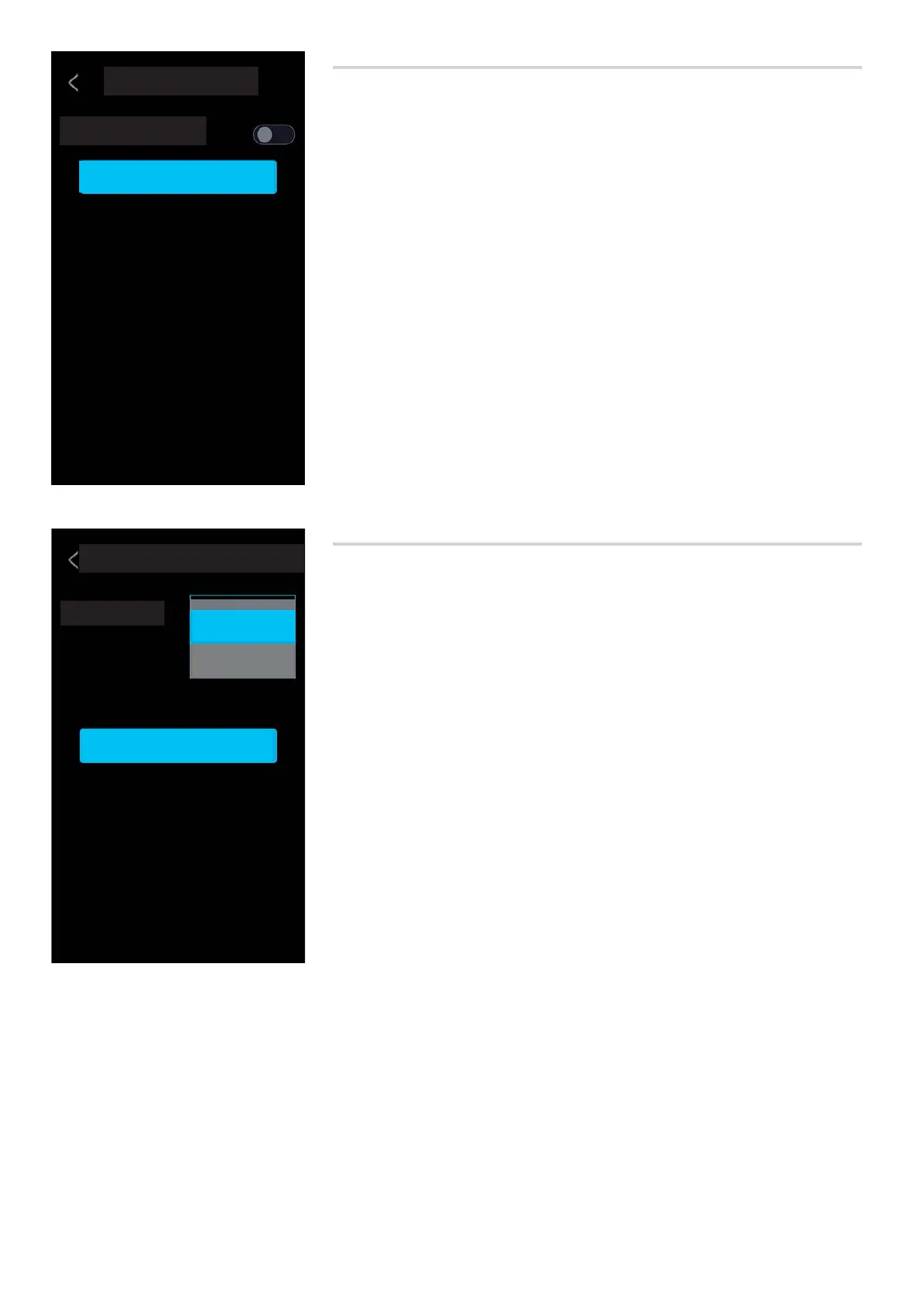
Call Page Style
Pre-defined
Bright
Access Control
PIN scramble keyboard
Page 10 - Manual FA014 82- E N - 10/2020 - © CAME S.p.A. - The contents of this manual may be changed, at any time, and without notice. - Translation of the original instructions
Access control
PIN scramble keyboard: if enabled, every time the numerical keypad is called up for access control, the keys
appear in a random order.
Save: Save the configuration.
User interface configuration
Call page style: select the style of the call page.
Pre-defined: the call page has the same style as all of the other interface screens with a black background.
Bright: the call page has a white background so that the person in front of the entry panel appears brighter.
Save: Save the configuration.



 To Next Page
 Loading...